Dreambooth Generator
ImagineMe forenkler den komplekse proces med at træne Stable Diffusion med Dreambooth, så du nemt kan skabe AI-genererede billeder af dig selv. Uanset om du ønsker at lave unikke kunstværker eller personlige avatarer, gør vores brugervenlige interface det let at udnytte kraften fra Dreambooth-tilpasset AI-model.
me in the style of GTA loading screen, explosions in city background, helicopters flying


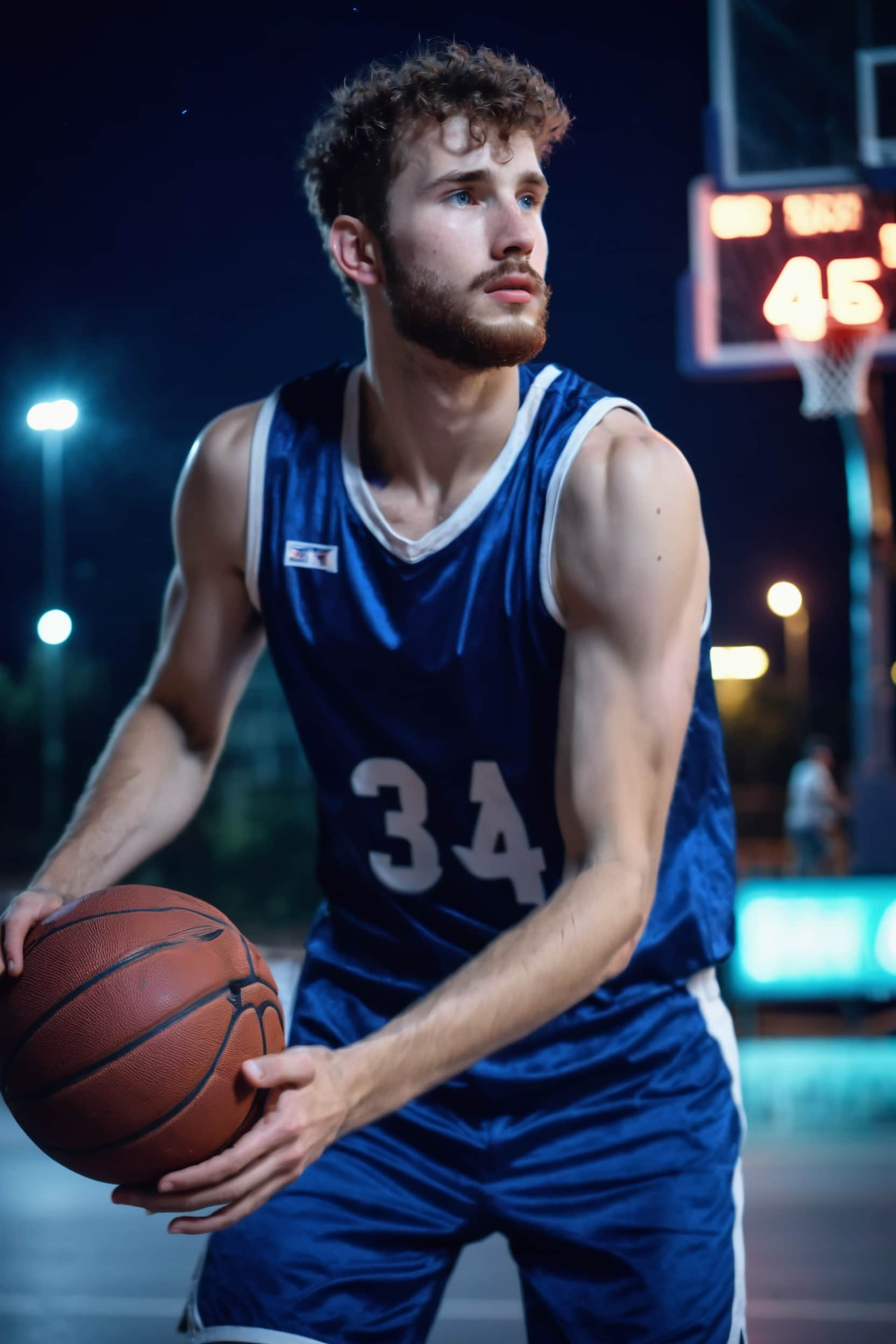


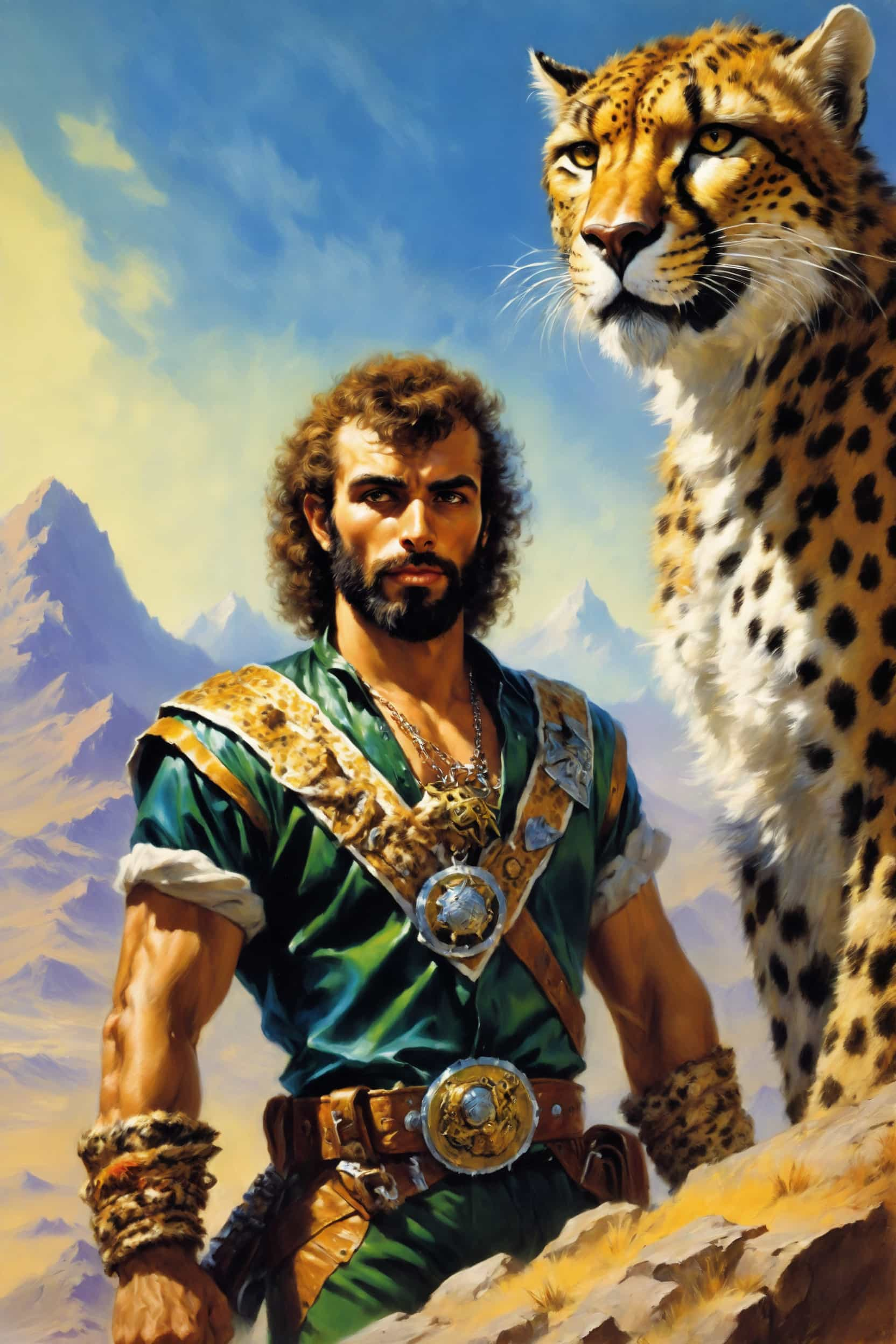
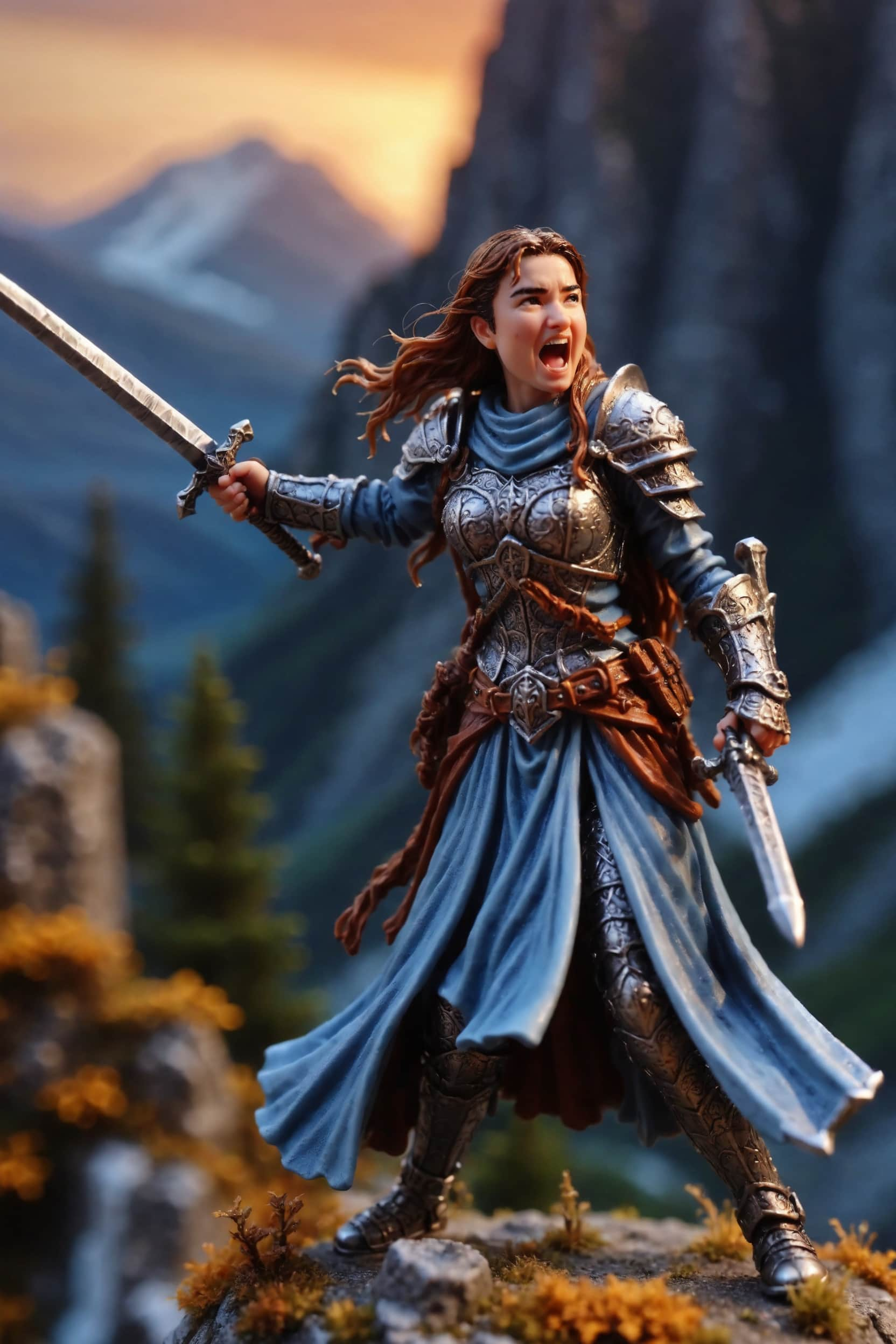


Virkelighedstro AI-portrætter med Dreambooth
Entusiaster, der er ivrige efter at dykke ned i verdenen af højst personlige AI-kunst, kan bruge ImagineMe til at skabe livagtige portrætter af sig selv. Vores sofistikerede platform udnytter kraften i Dreambooth AI-træning, hvilket gør det muligt for dig at skabe dybt tilpassede og livagtige portrætter med lethed.
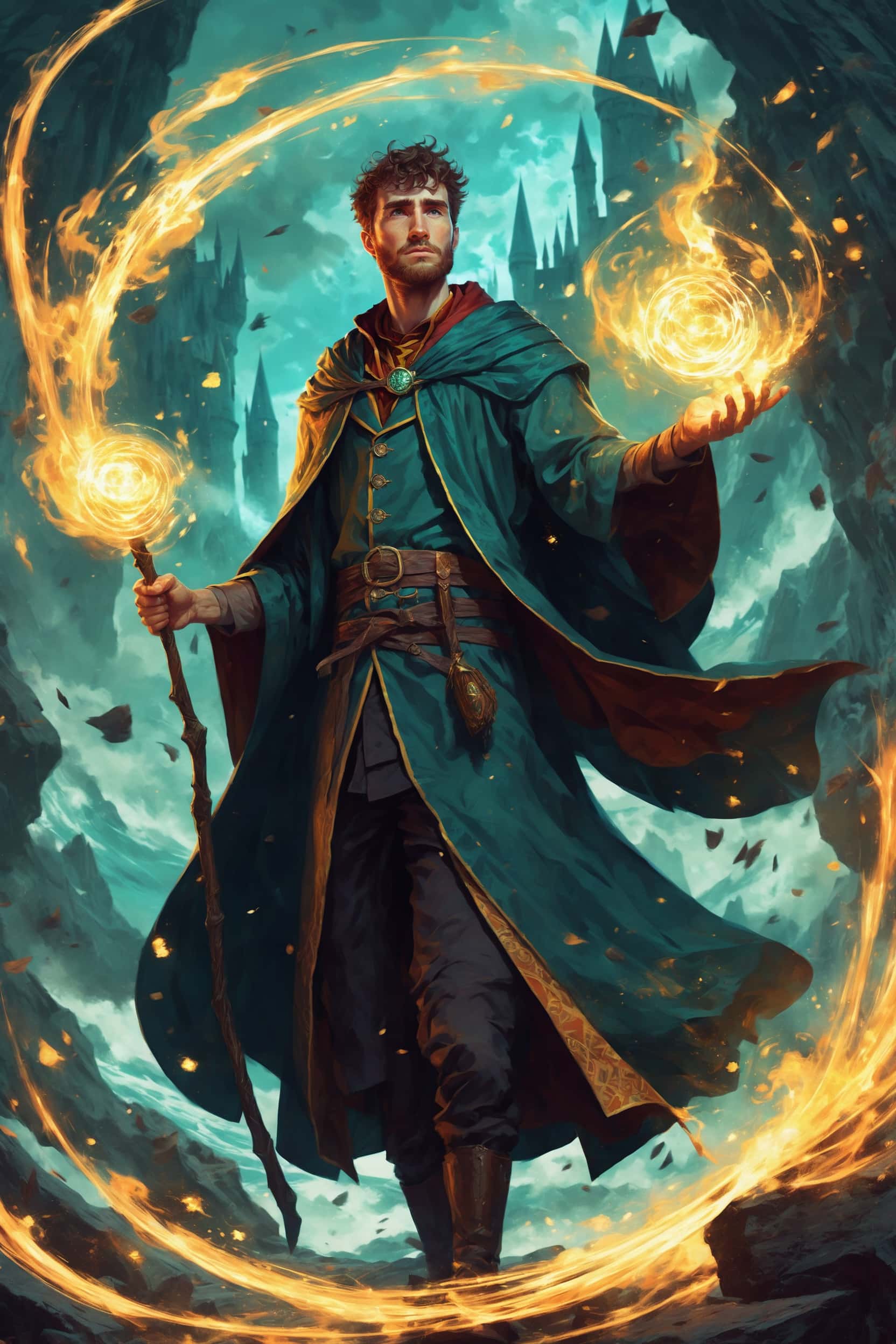
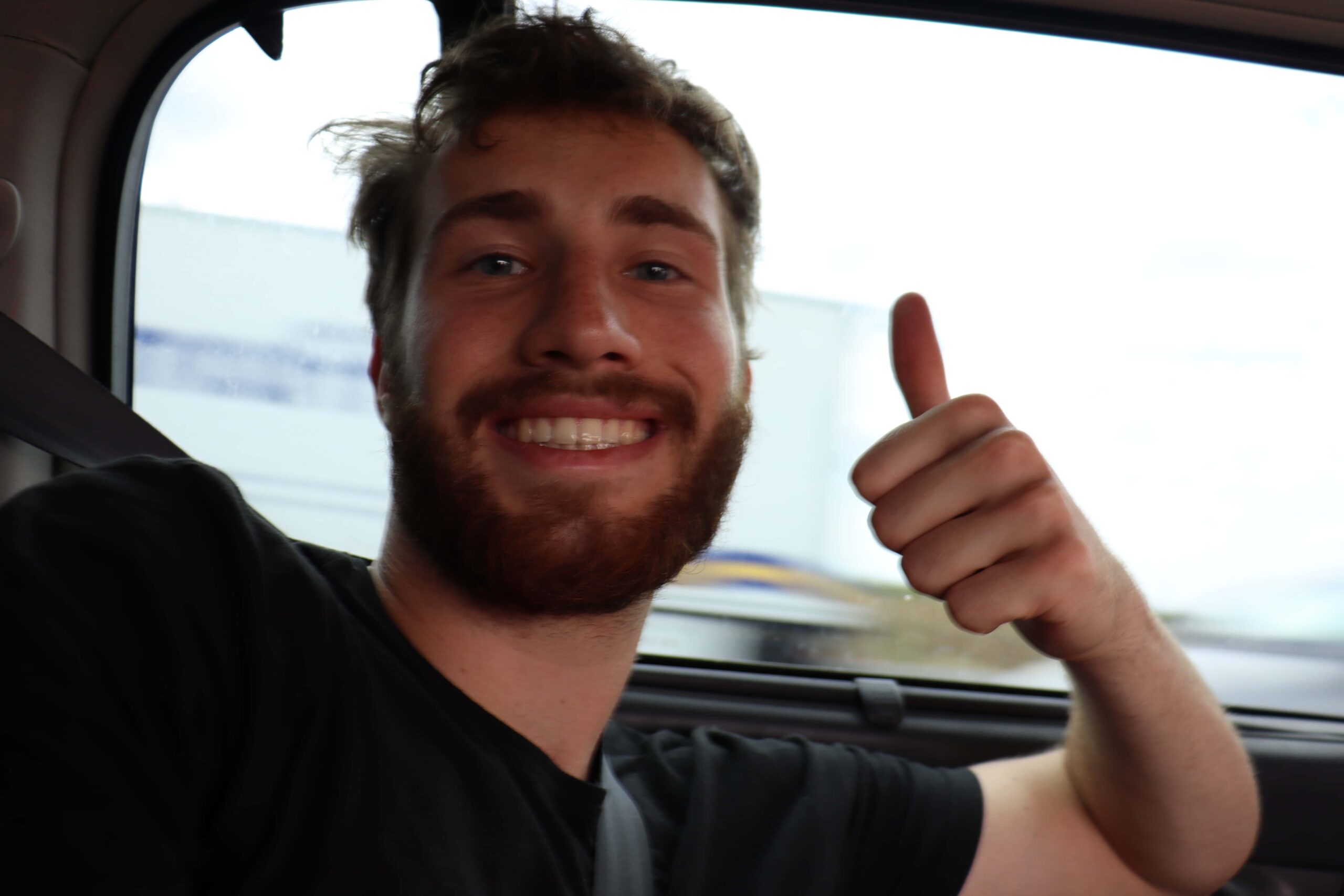
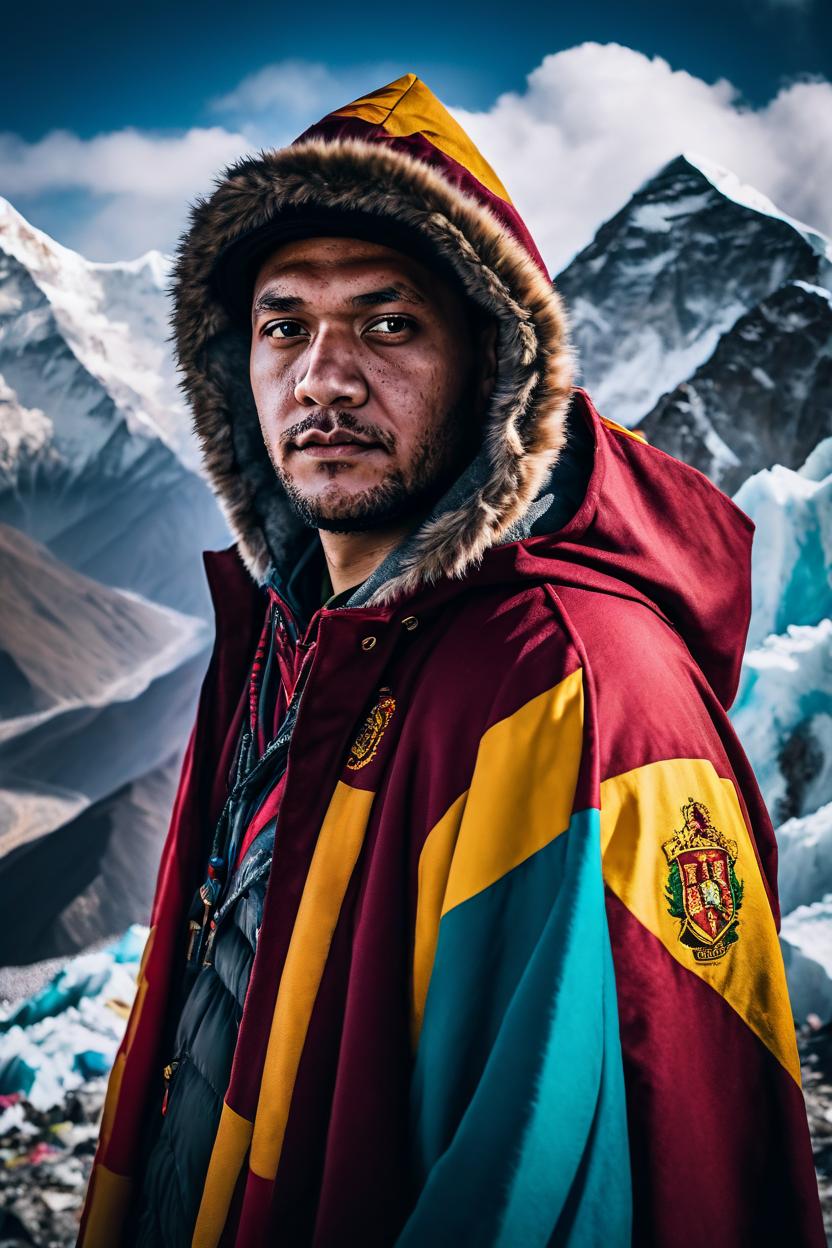
jeg som en troldmand, fantasykunst, Harry Potter, mediumbillede, asymmetrisk, indviklet
ImagineMe er ideel for dem, der ønsker at se sig selv i et nyt lys, og for alle, der leder efter nye former for selvudtryk.
Kom i gang med blot tre enkle trin
1.
Upload billeder
Upload 10 til 20 billeder. Jo flere, jo bedre.
2.
Lad det træne
Træning kan tage op til 5 timer, men det er normalt hurtigere
3.
Begynd at skabe
Vælg din model, og se hvad du kan skabe
Udnyt det kombinerede potentiale af Dreambooth og Stable Diffusion
ImagineMe bruger både Stable Diffusion og Dreambooth for at give dig næsten ubegrænsede muligheder. Ved at integrere Dreambooths personlige modeltræning med Stable Diffusions alsidighed, kan brugere skabe meget tilpassede og forskellige AI-genererede billeder af sig selv.
Ved hjælp af stabil diffusion kan ImagineMe generere billeder i næsten enhver æstetik, fra realistisk til stiliseret, og Dreambooth-teknologi gør det let at anvende disse stilarter på dine ansigtstræk. For at lære mere om AI-træningsprocessen kan du læse vores begyndervejledning og finde ud af, hvordan du kan opnå de bedste resultater.
Udnyt det kombinerede potentiale af Dreambooth og Stable Diffusion
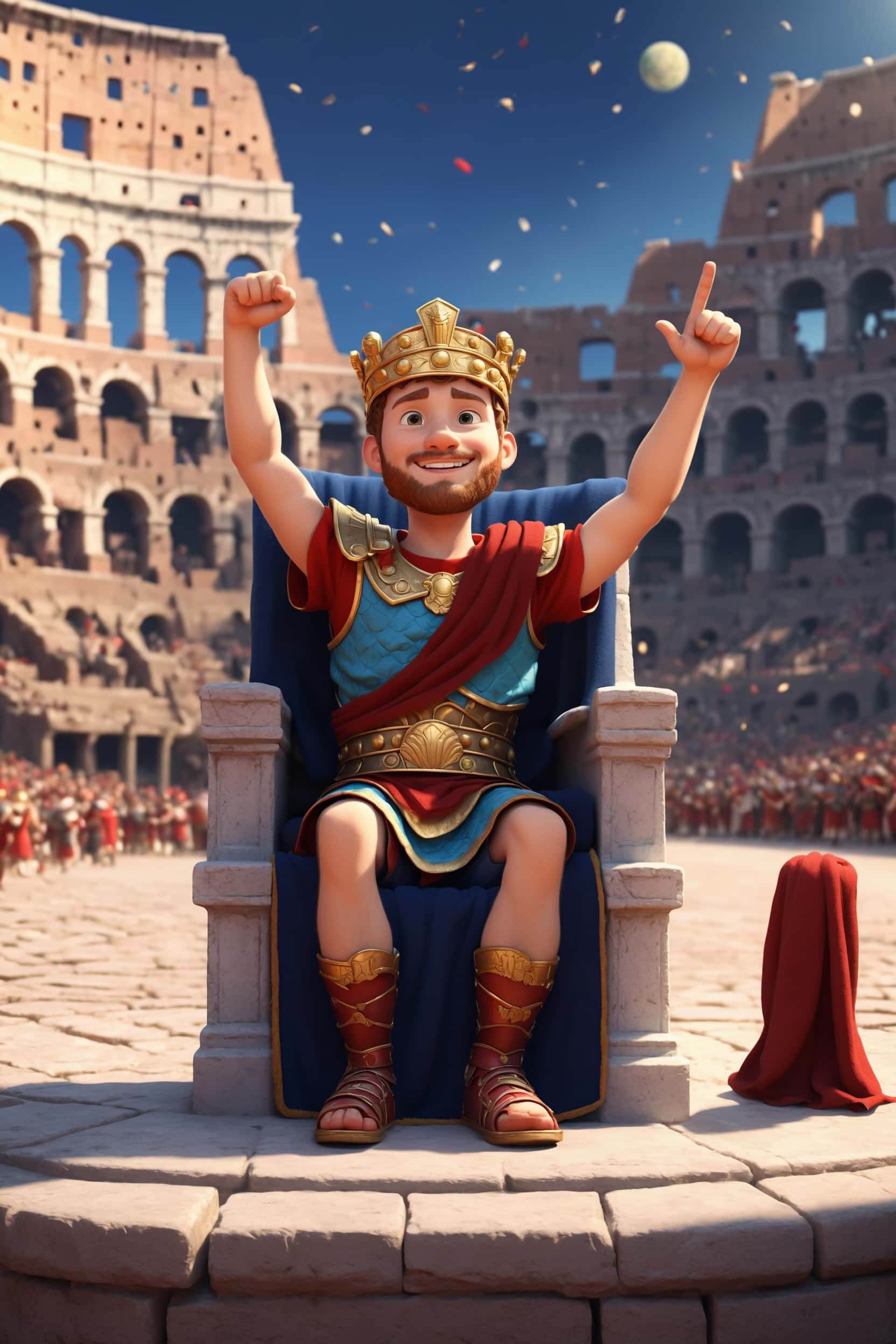
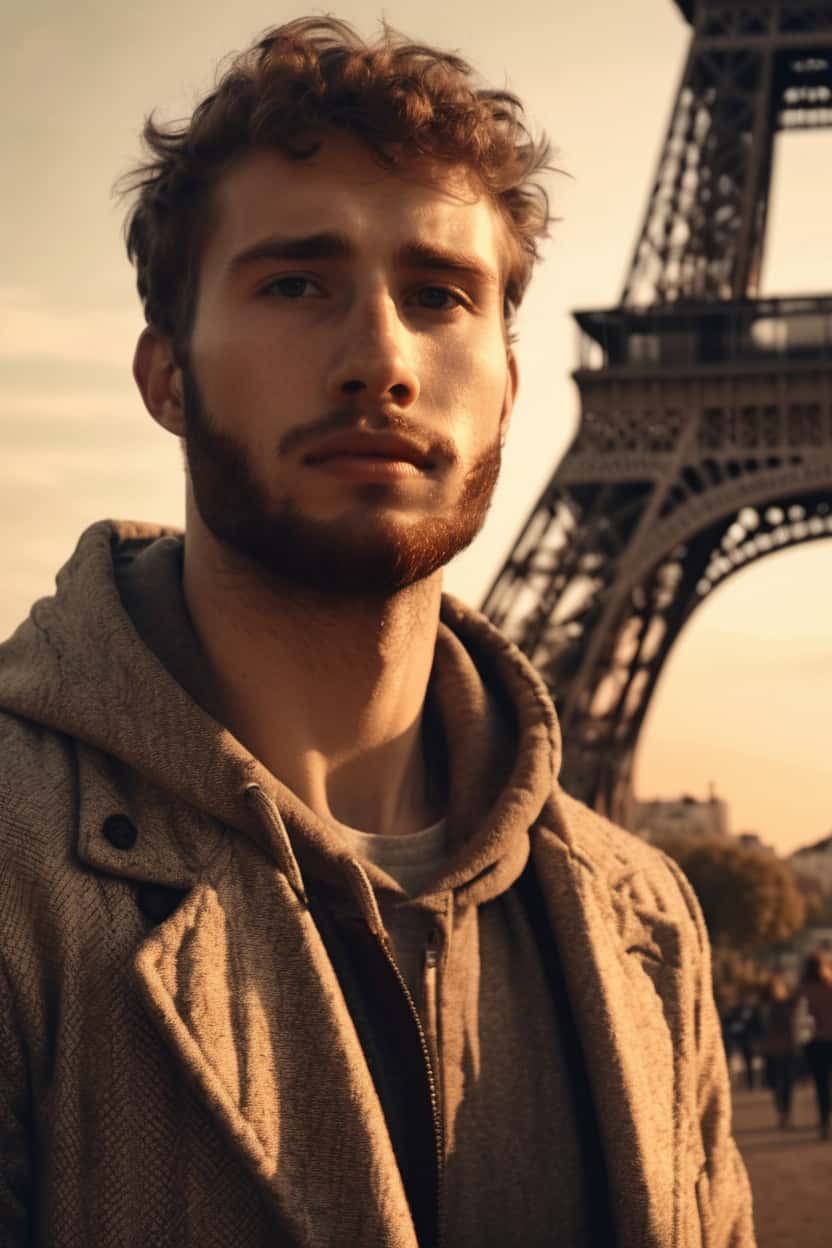
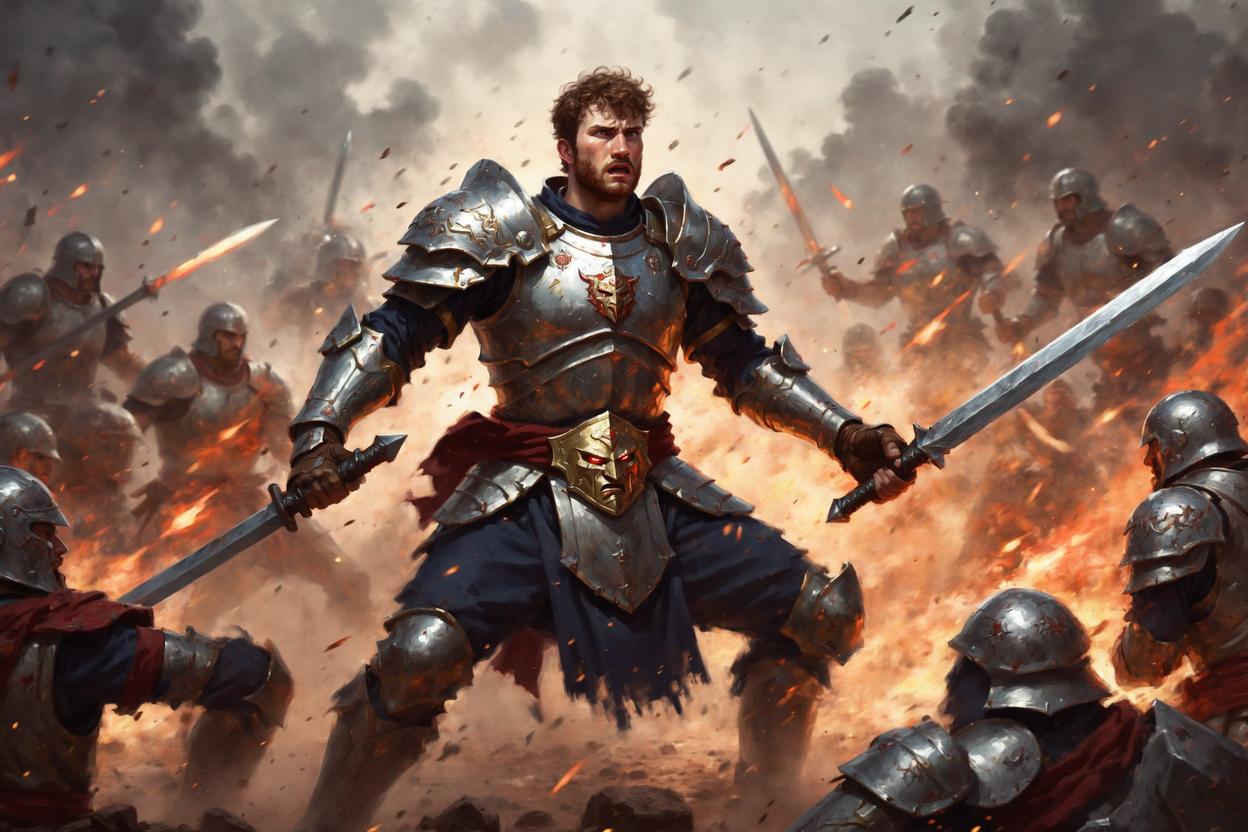
Opret hyper-realistiske AI-portrætter på få sekunder med Dreambooth
Med ImagineMe's Dreambooth + Stable Diffusion-motor, er museums-kvalitet portrætter kun et prompt væk. Beskriv blot din vision, og lad vores specialtrænede model forvandle dine fotos til fantastiske, klar-til-print kunstværker—ingen ekstra redigering nødvendig. På mindre end et minut vil du have delbare, højopløselige billeder, perfekte til sociale profiler, gaming-avatarer eller indrammet vægkunst.
Få inspiration
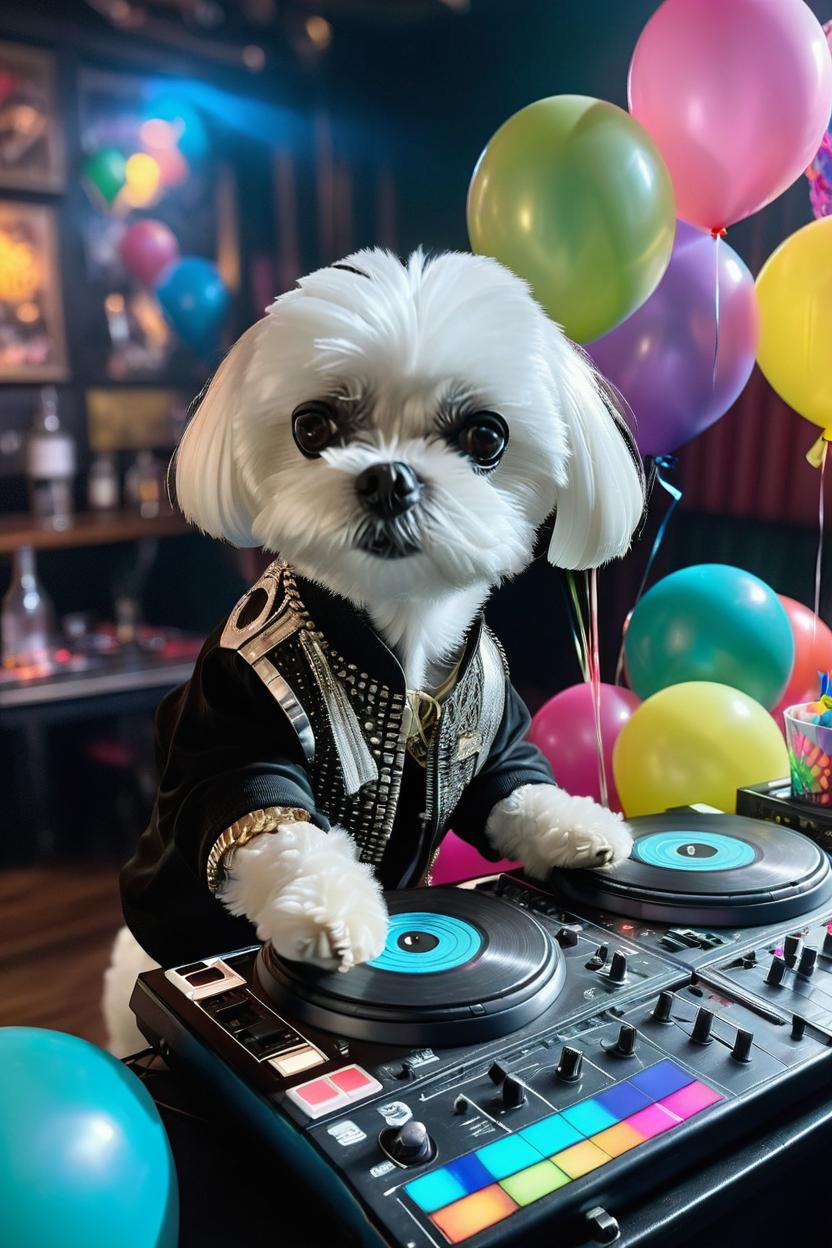
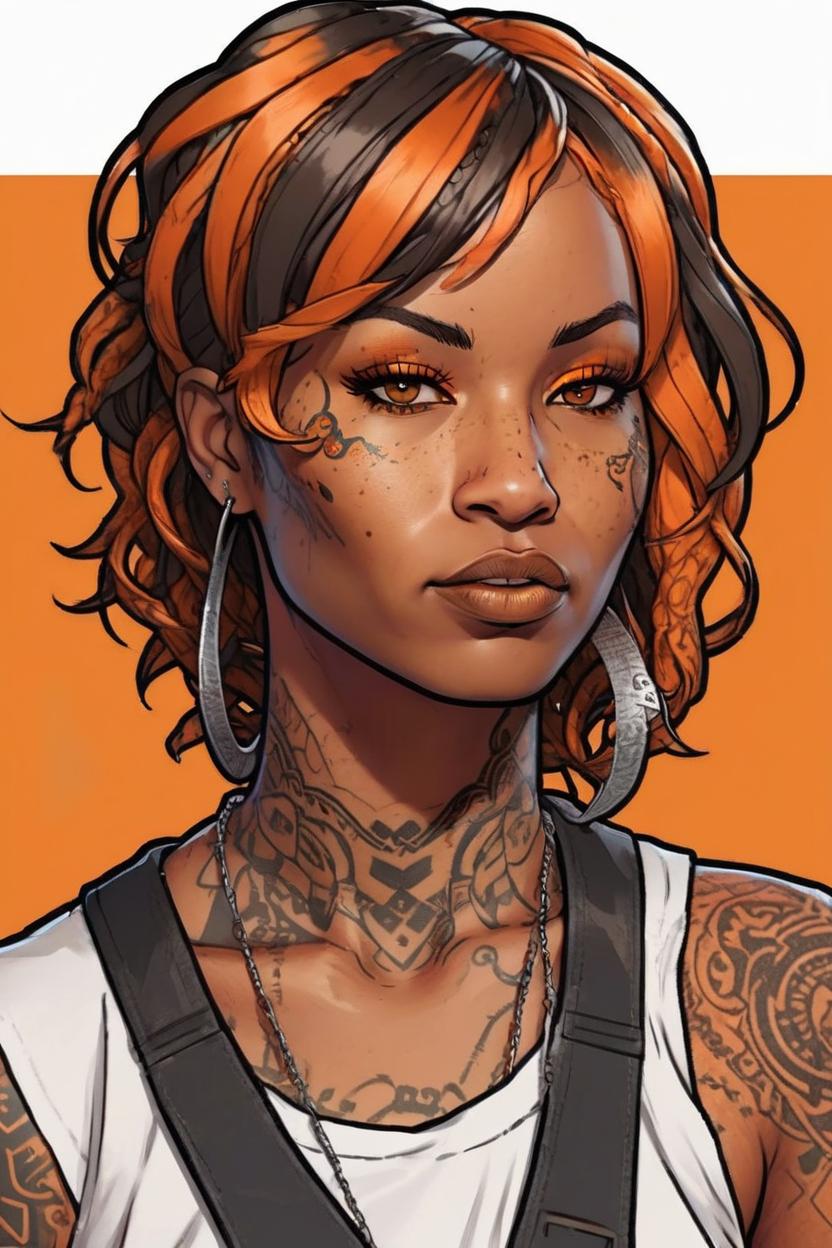
Gennemse vores udstilling for at se, hvilke prompts der fungerer bedst
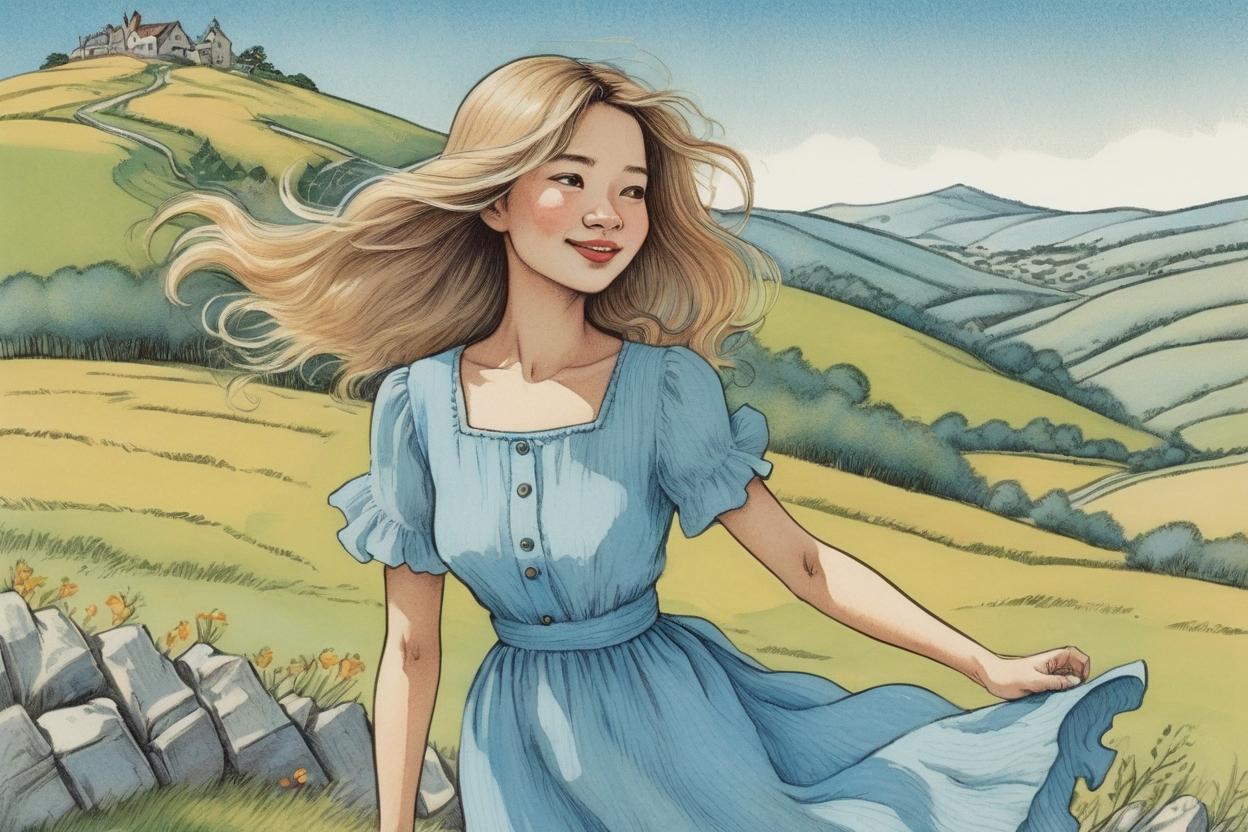
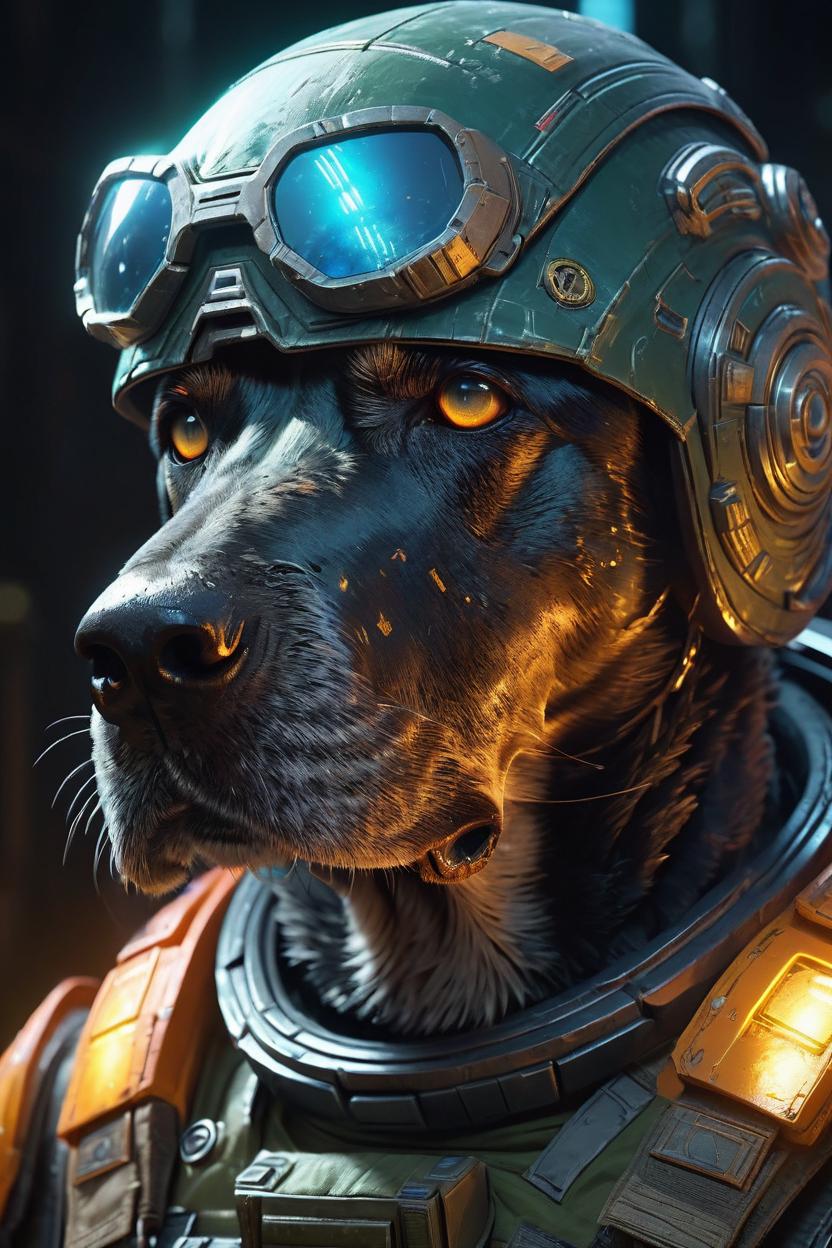
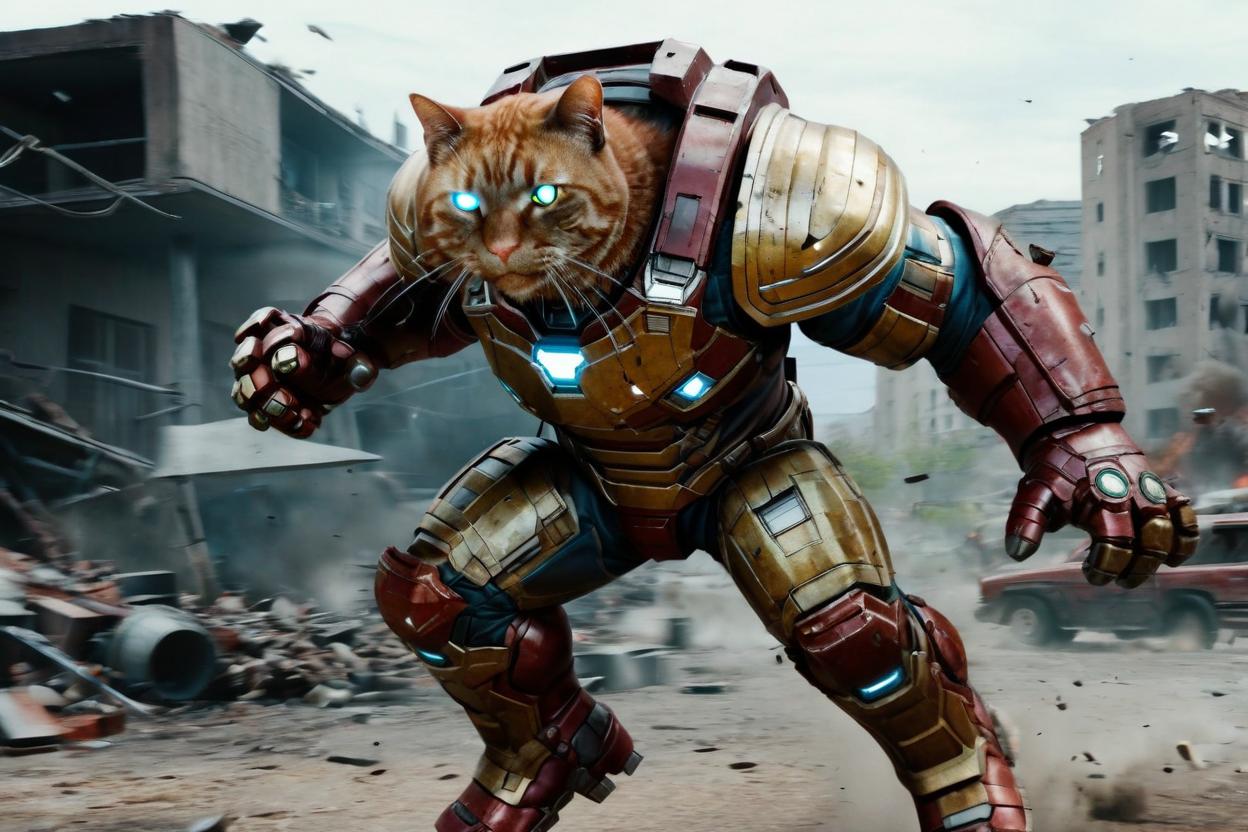
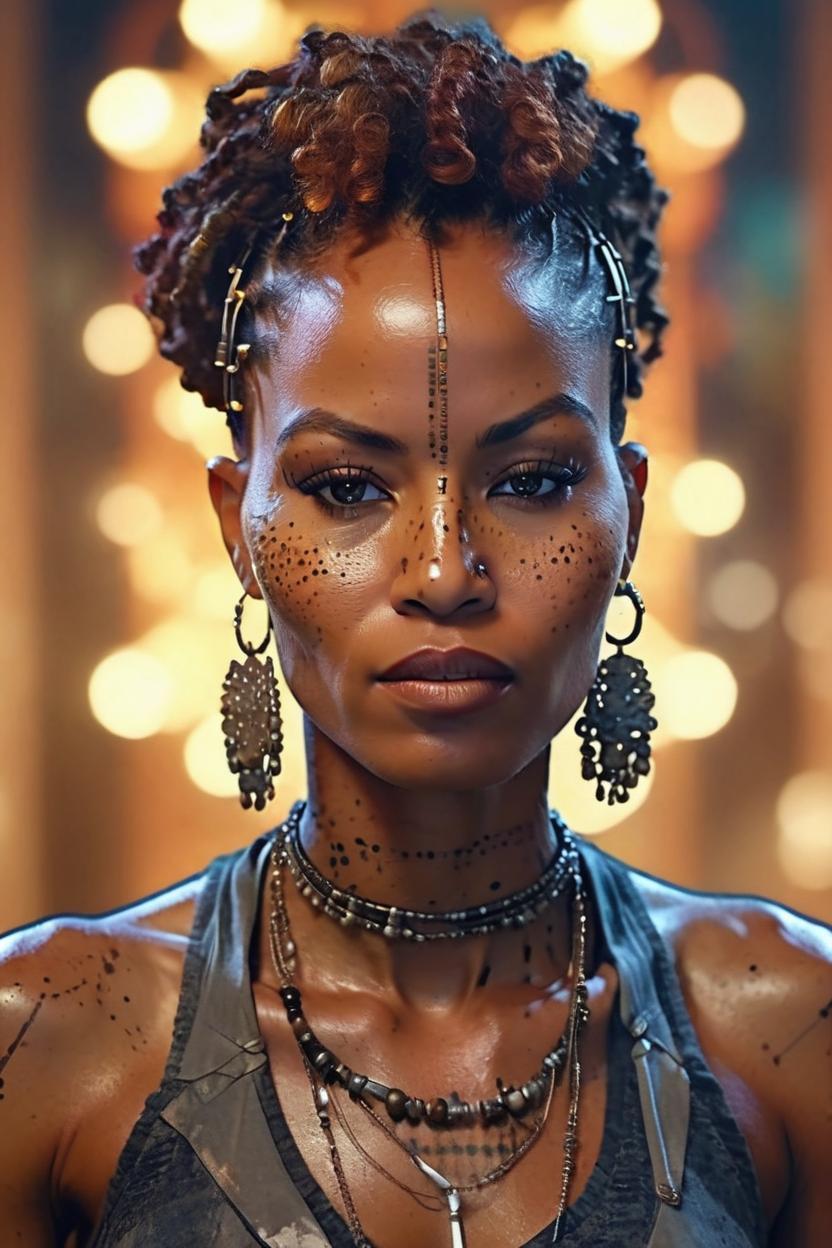
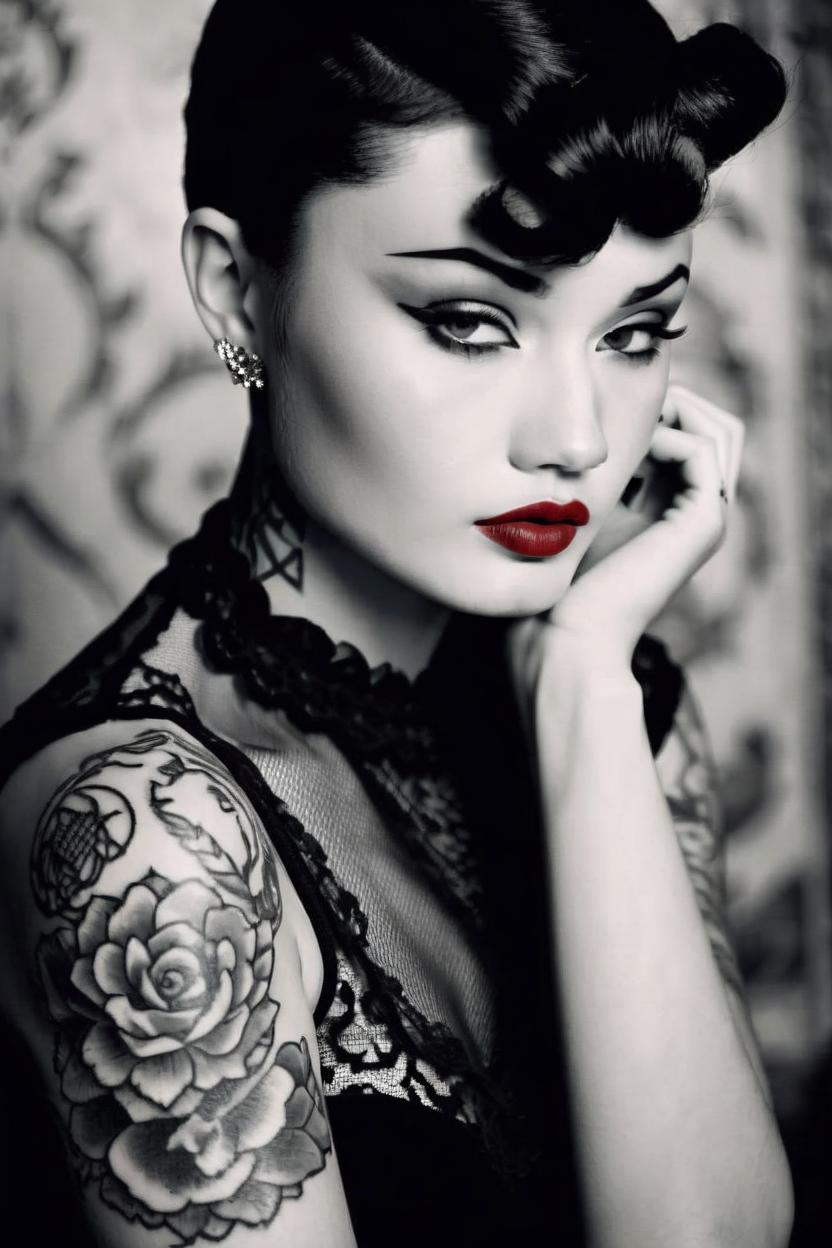
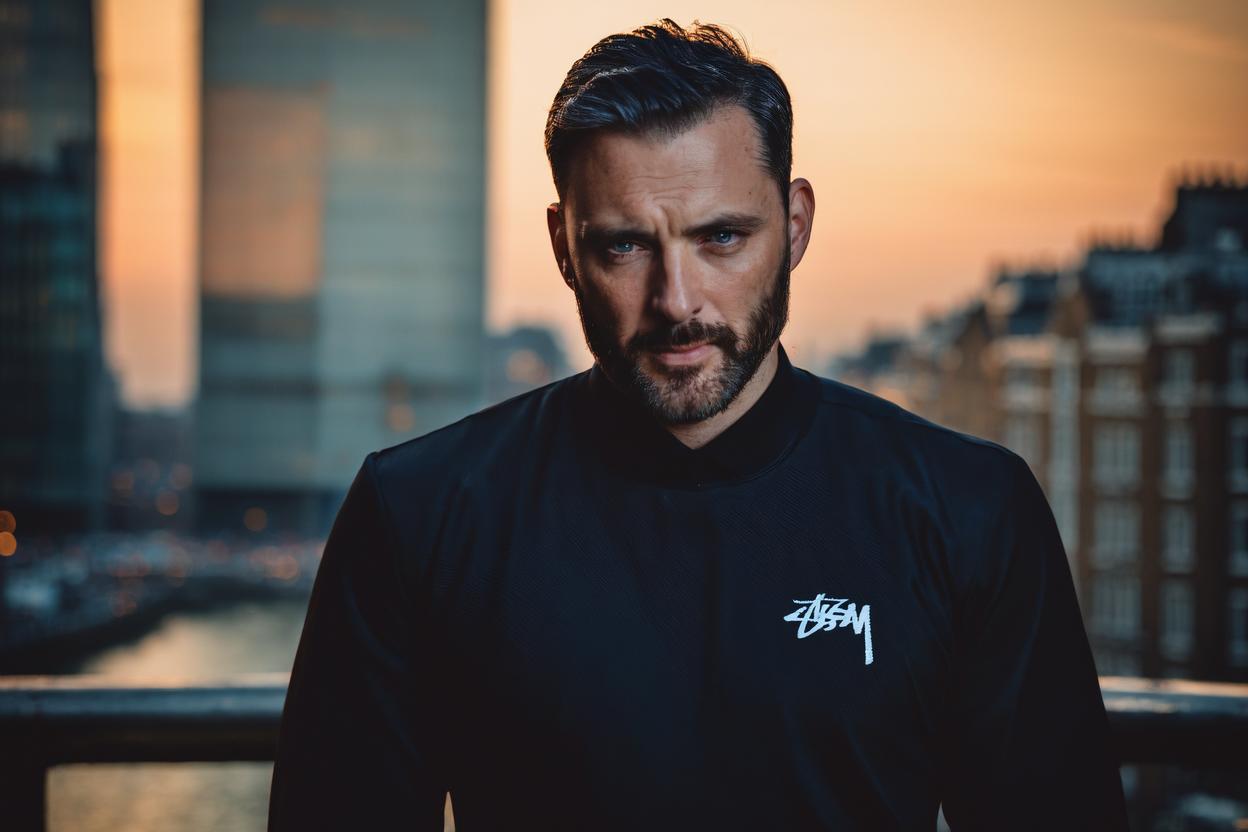
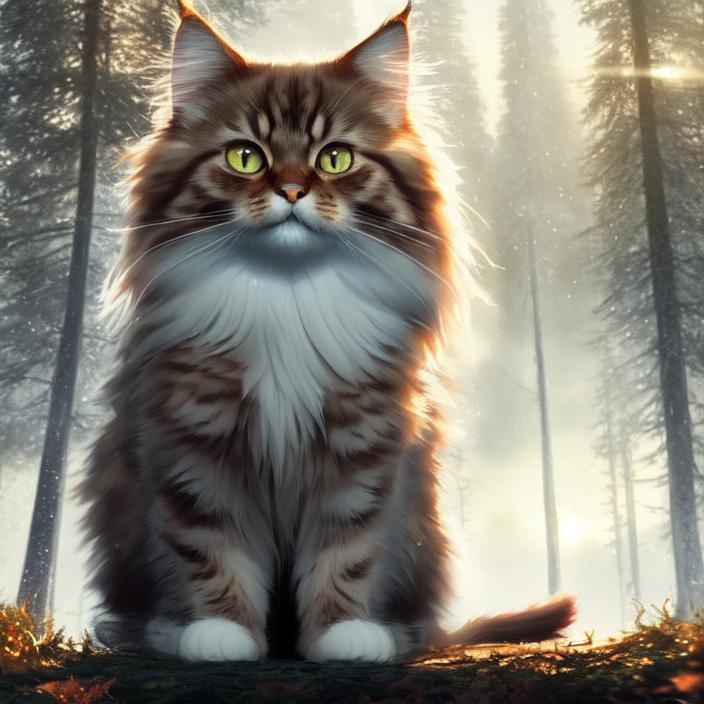
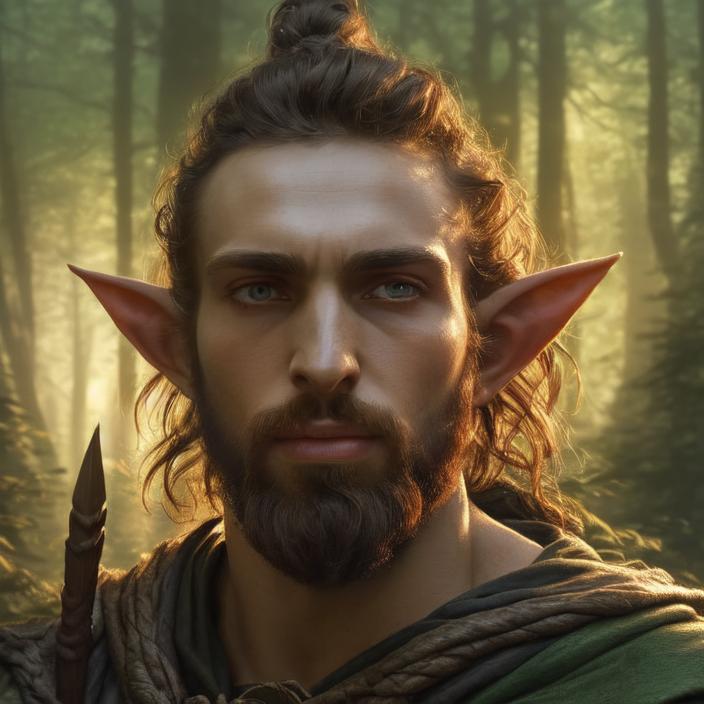
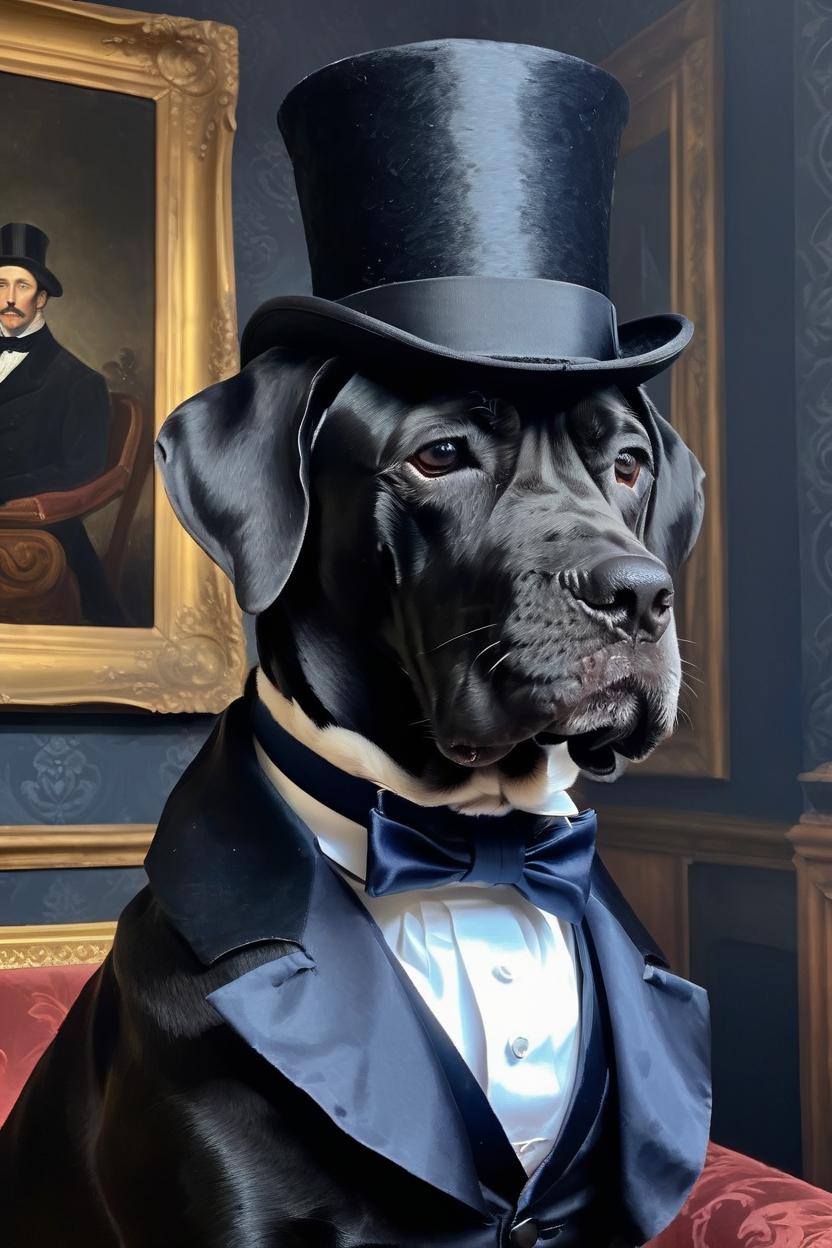
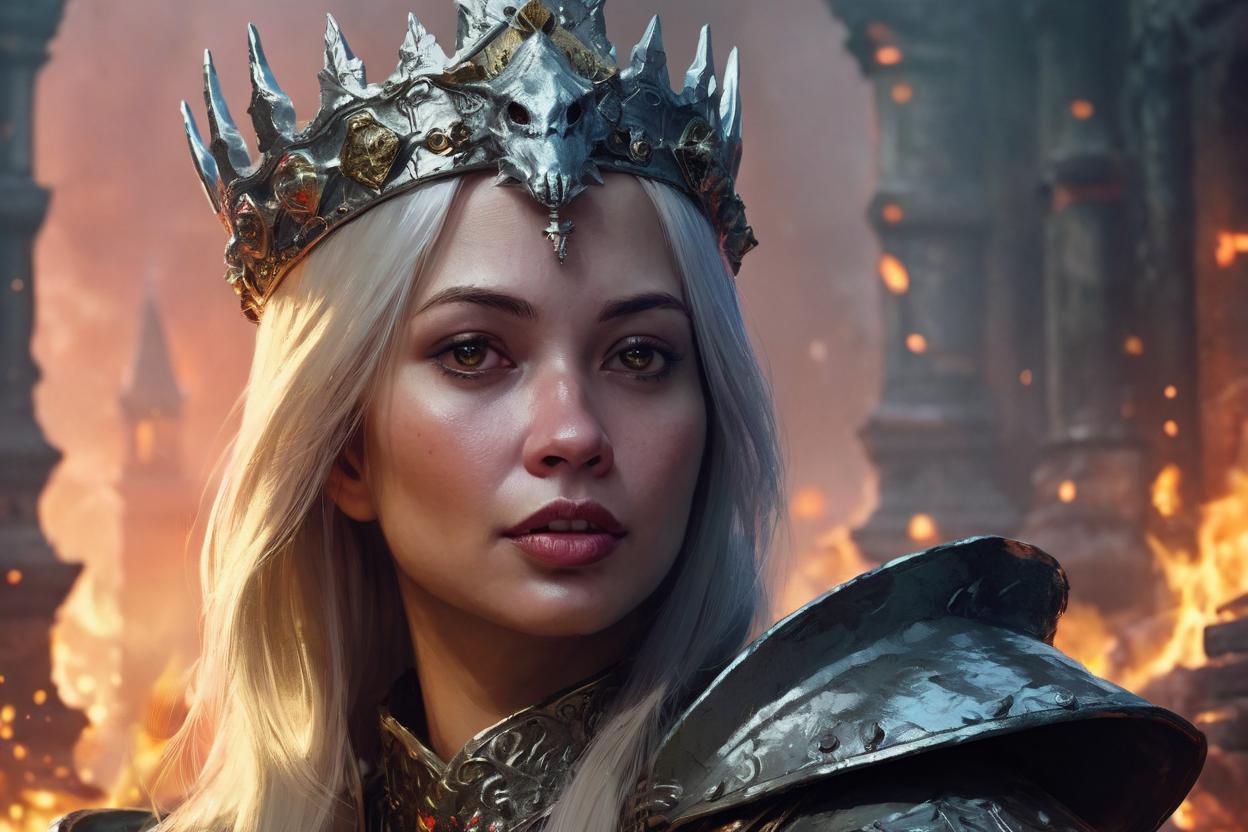
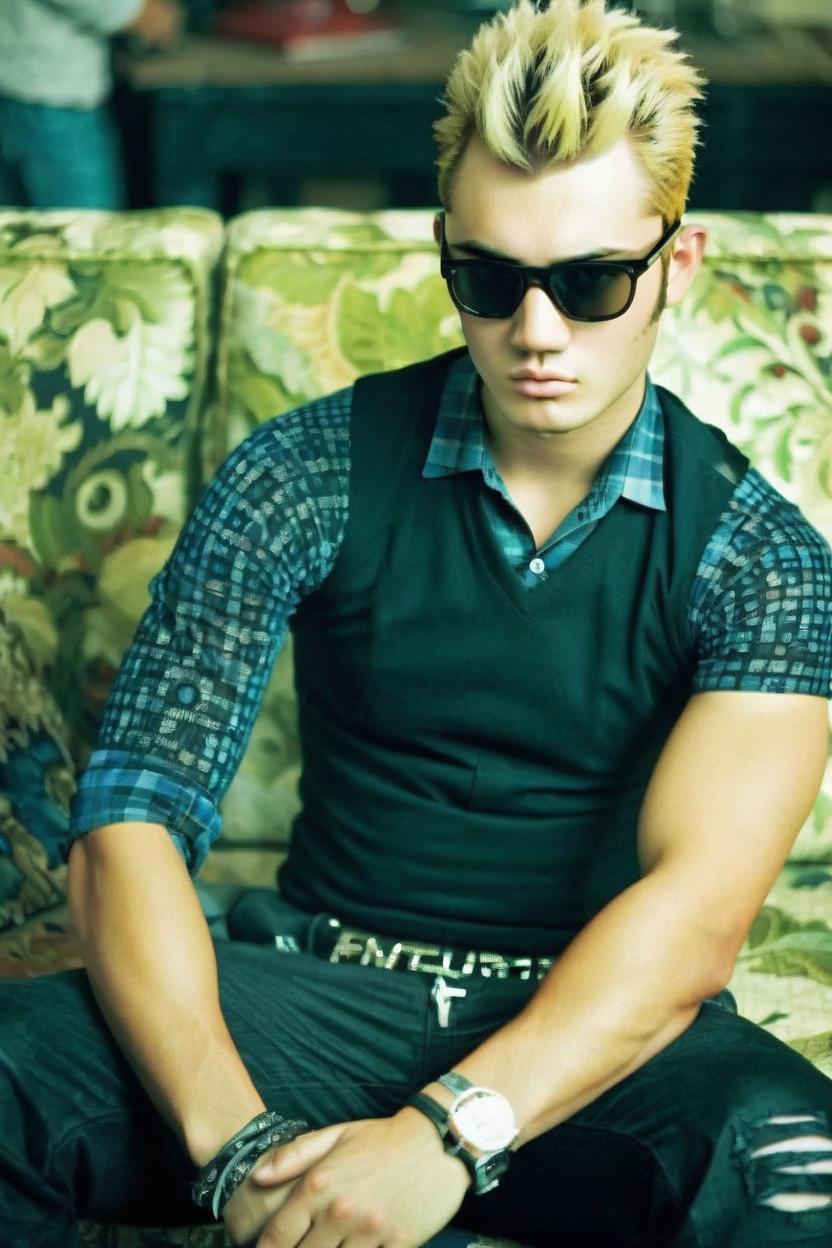
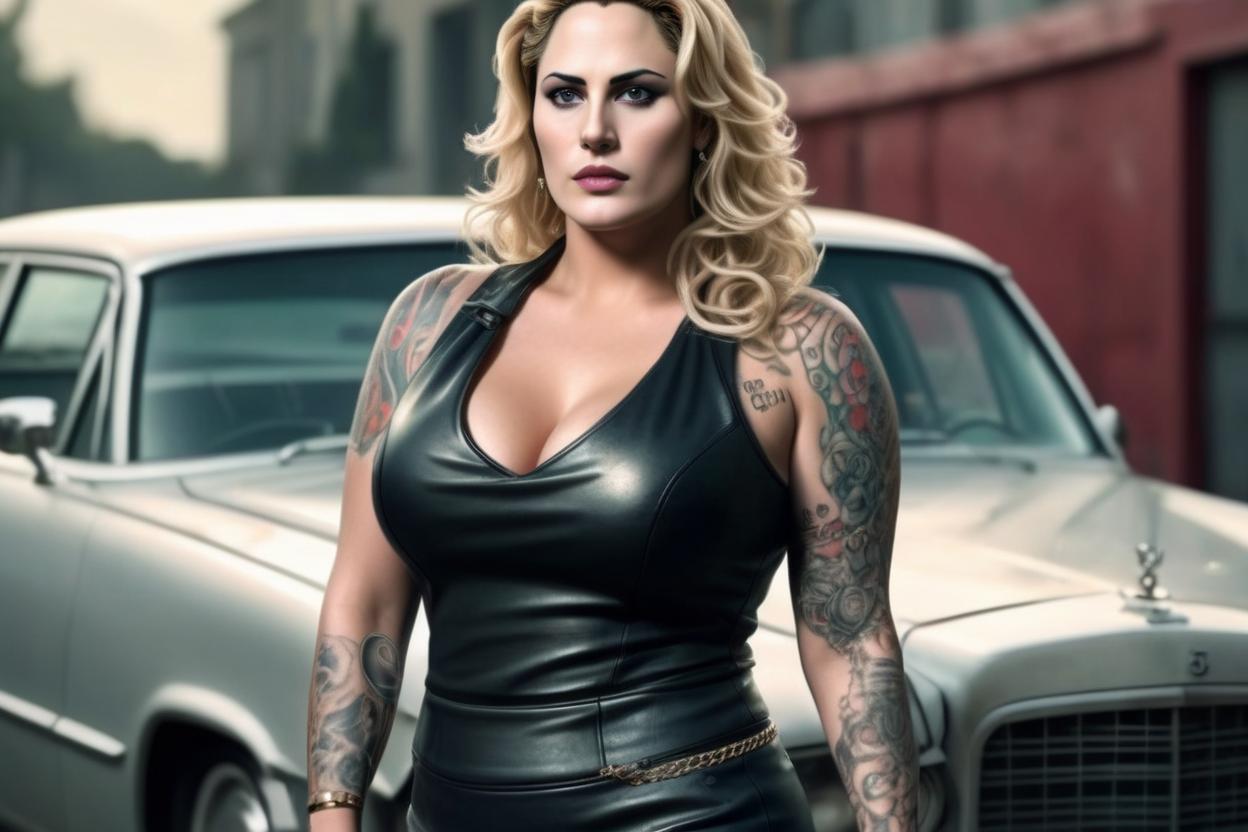
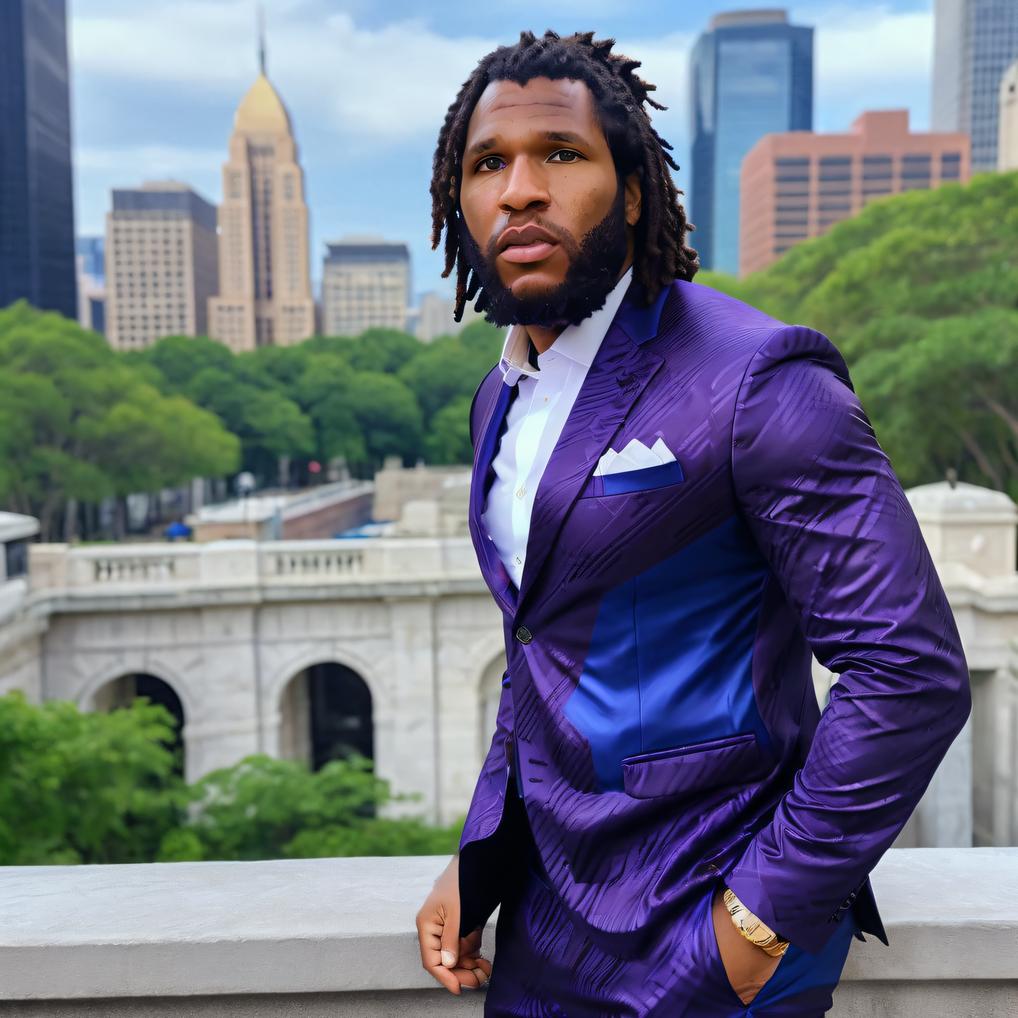
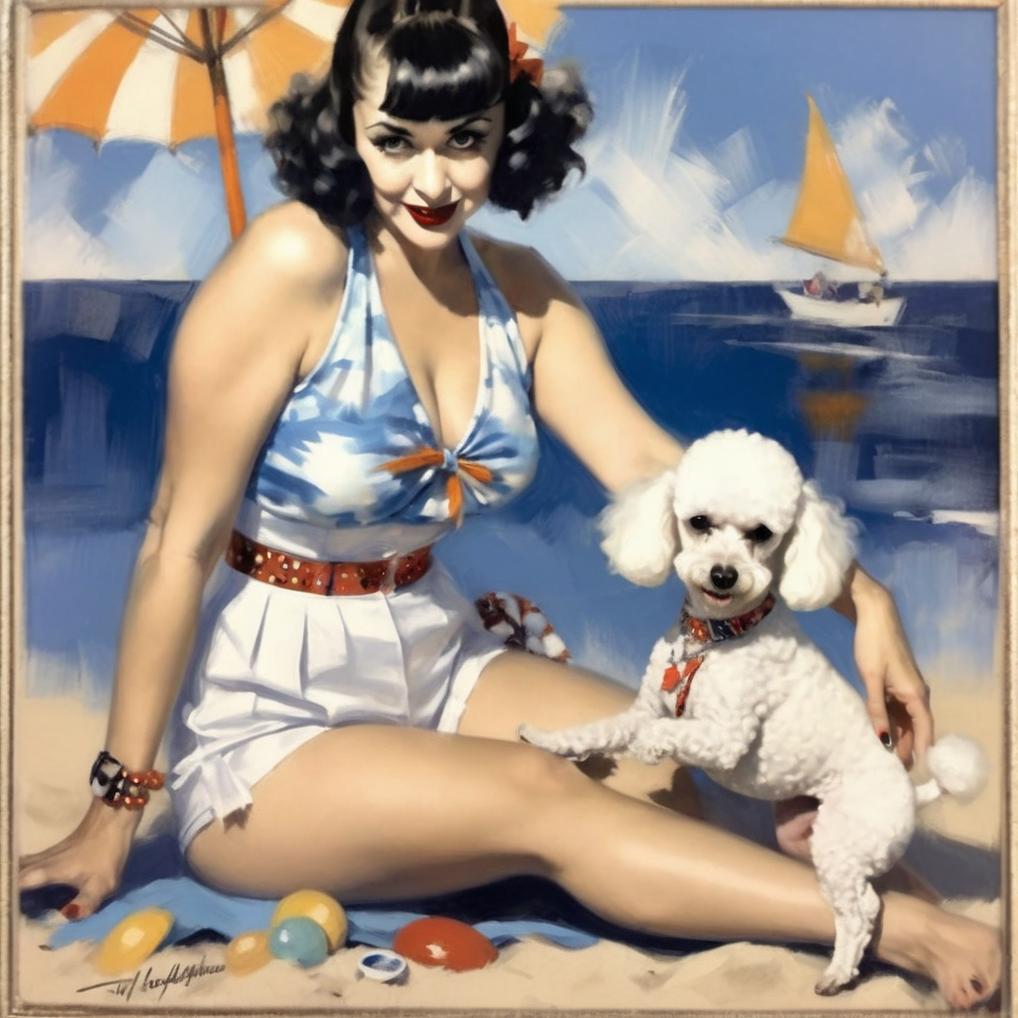
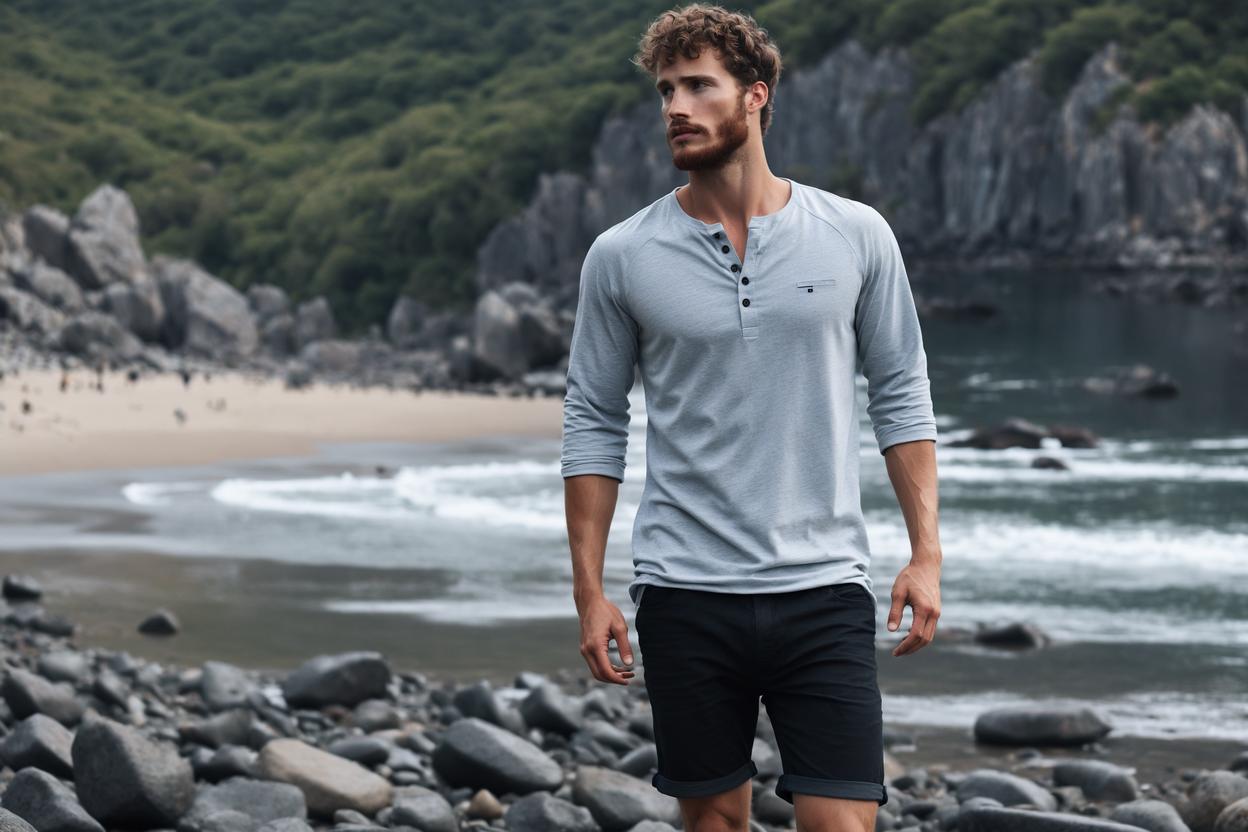
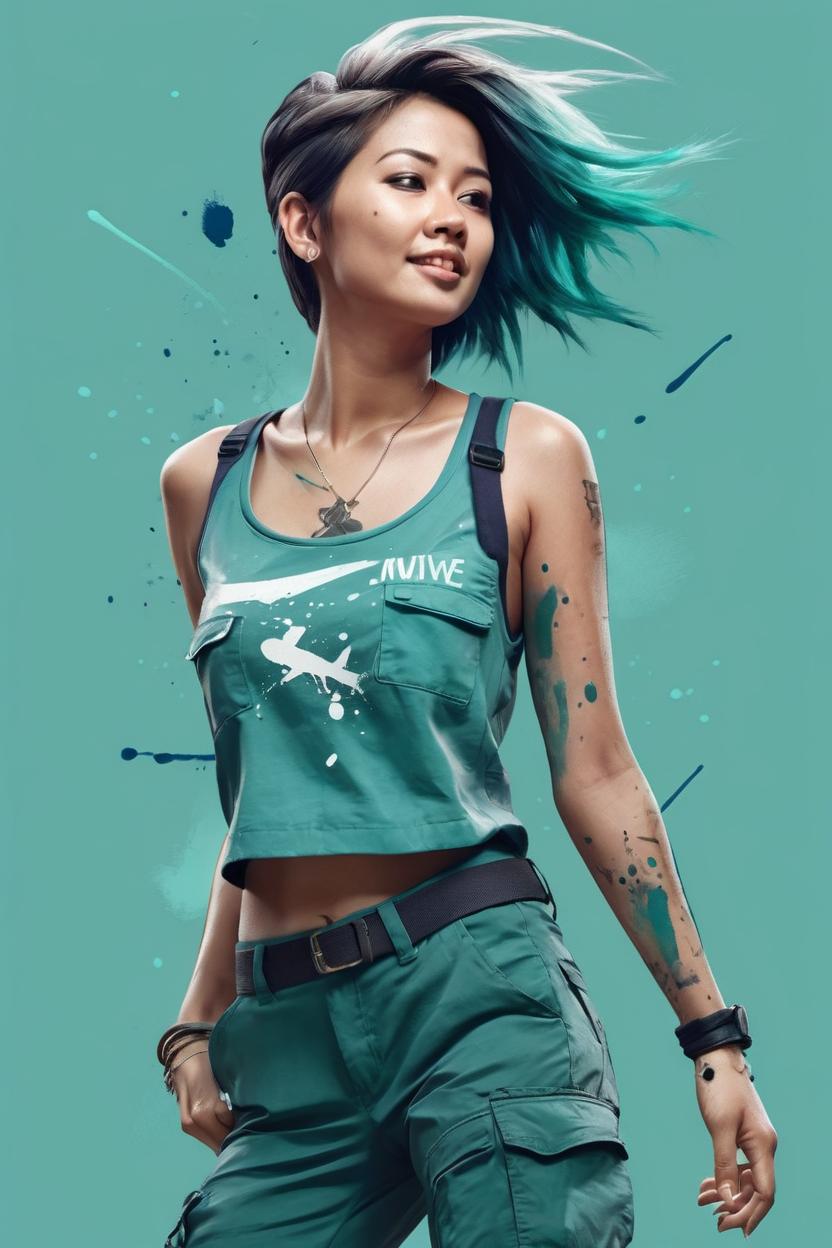
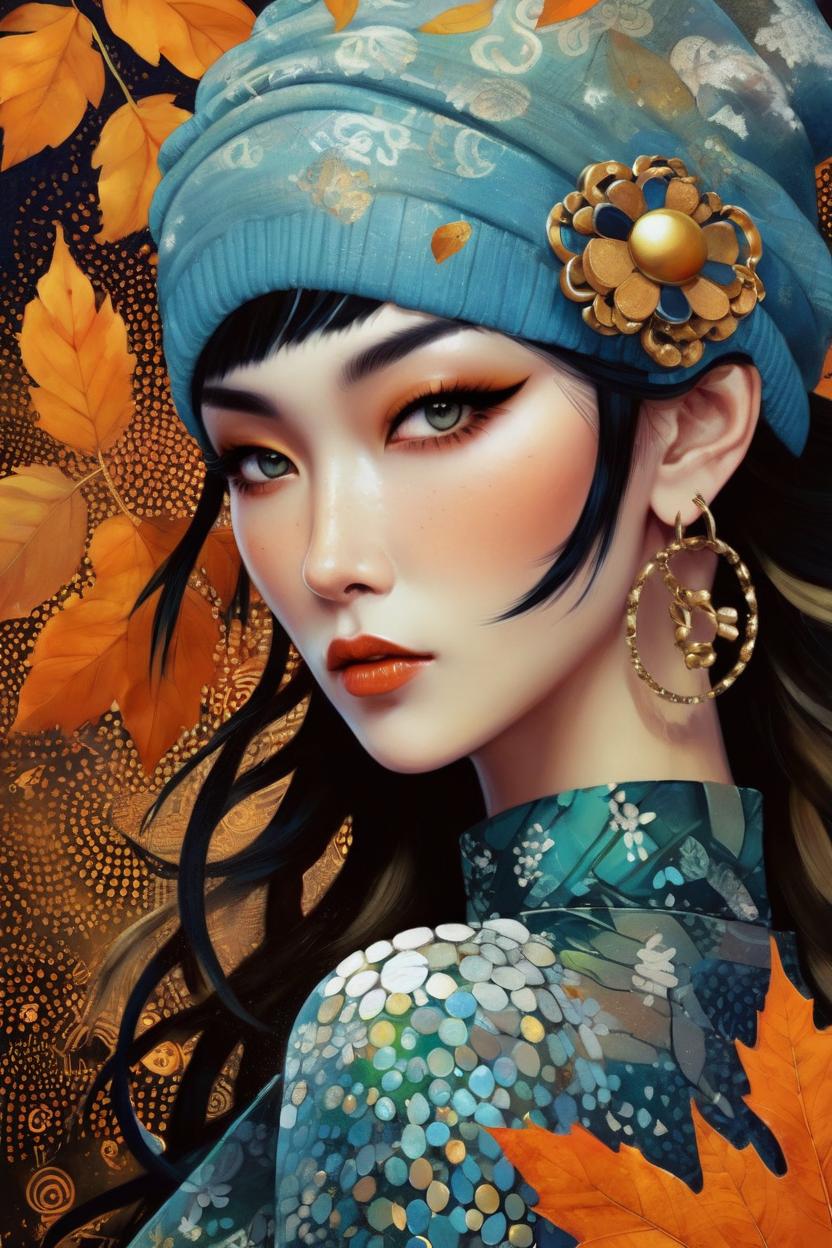
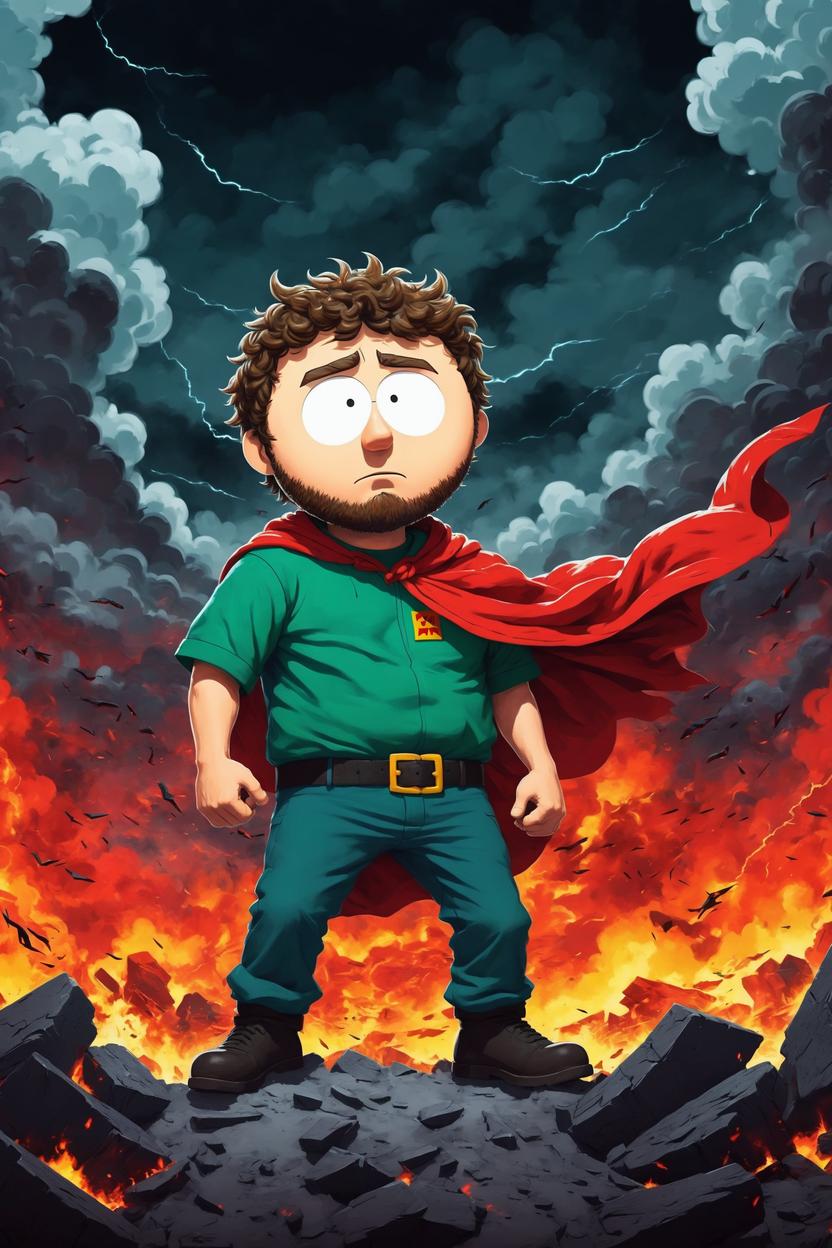
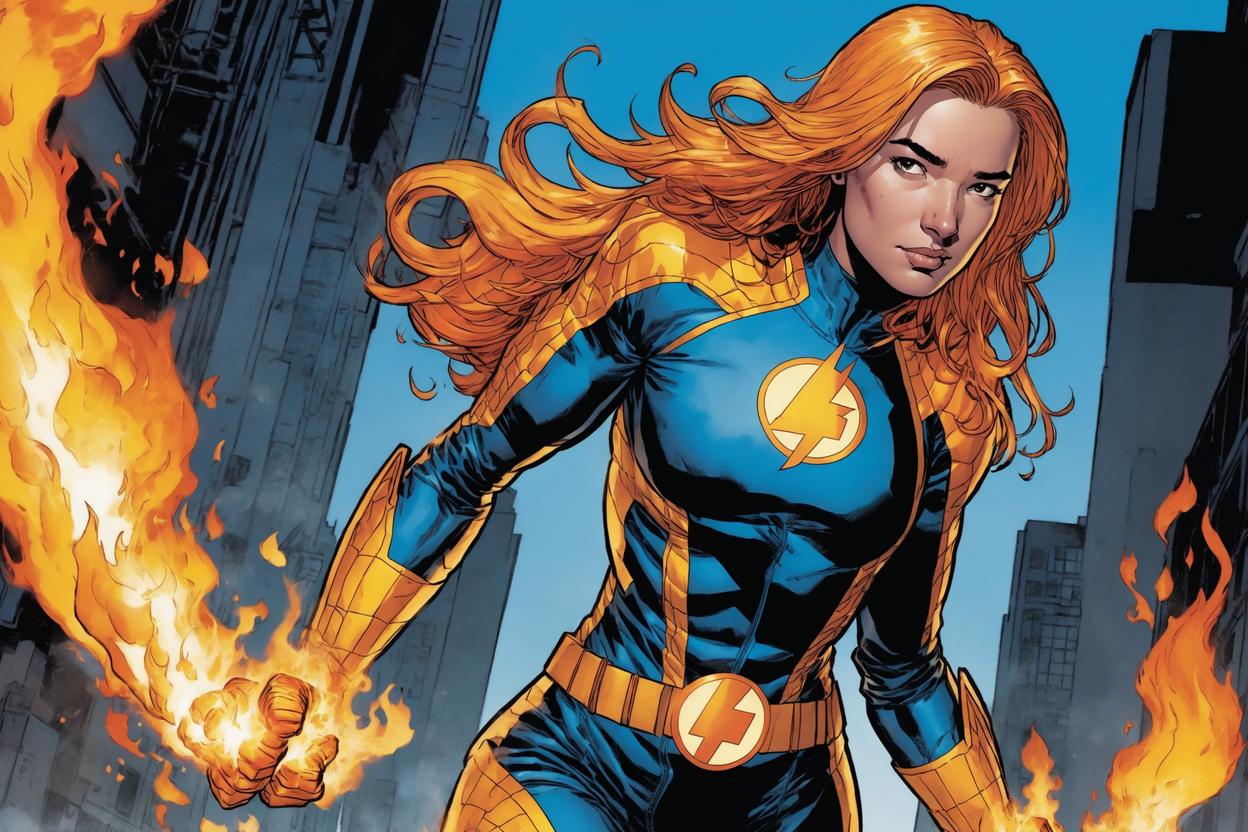
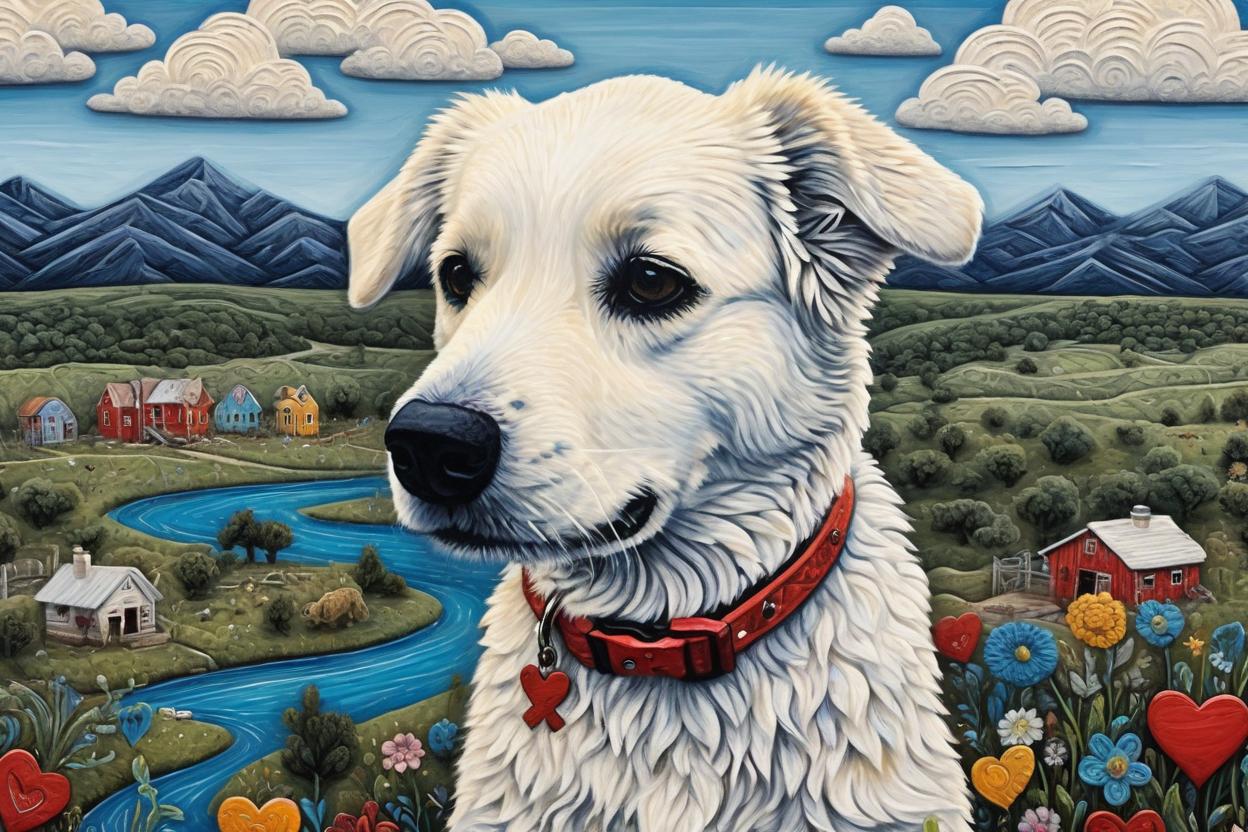
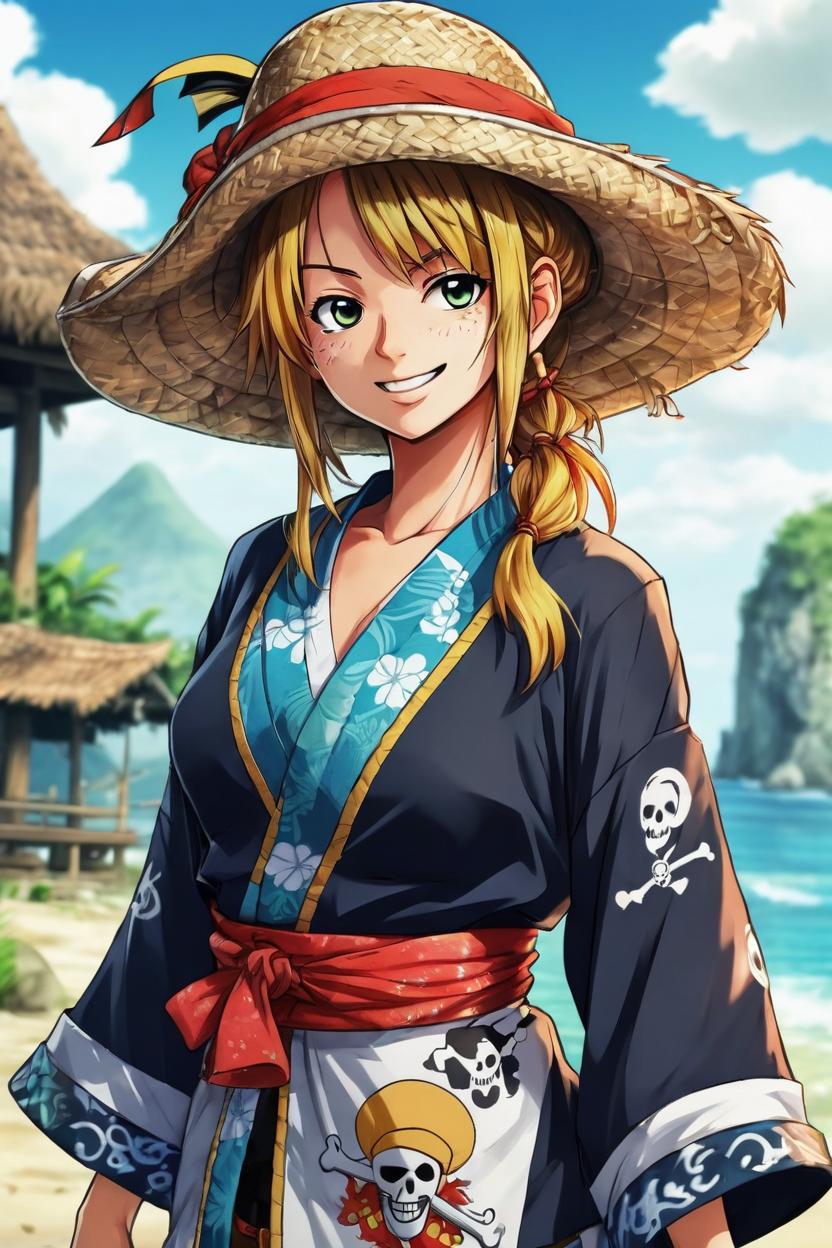
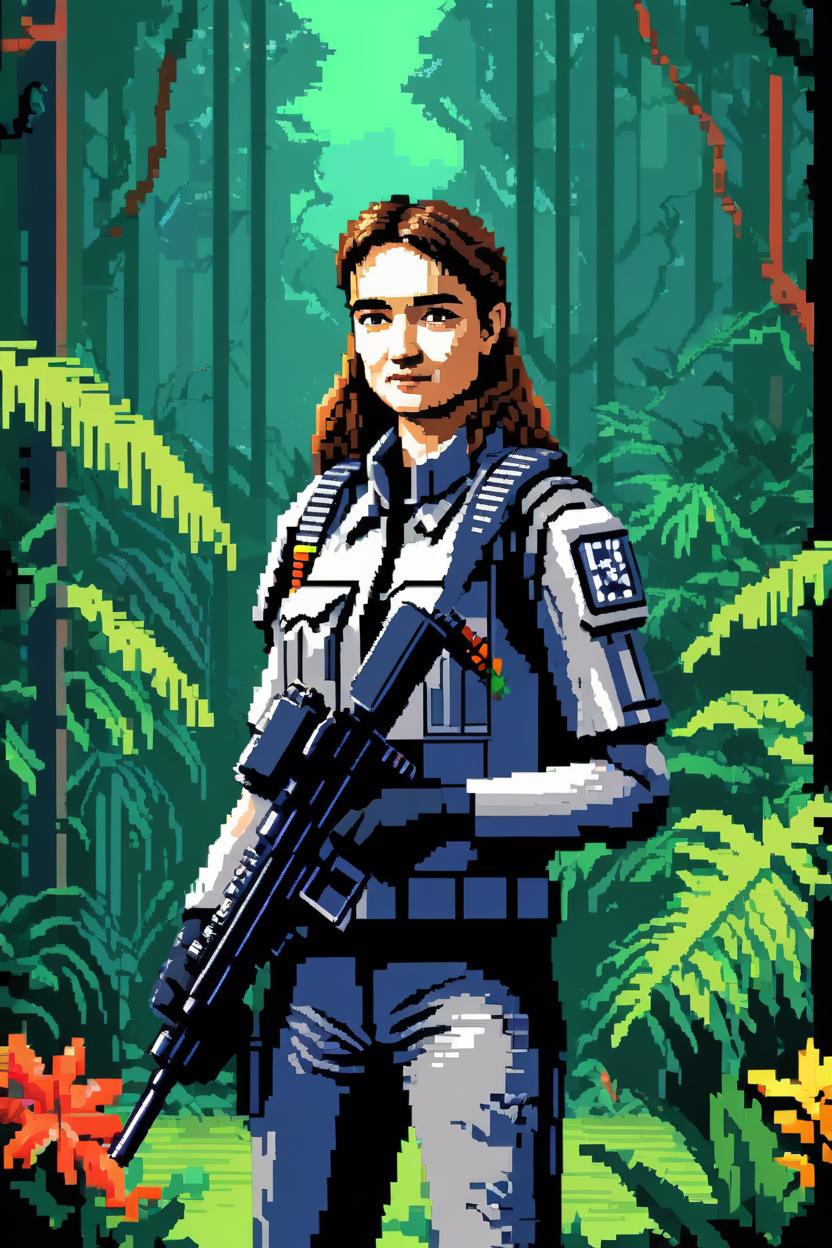
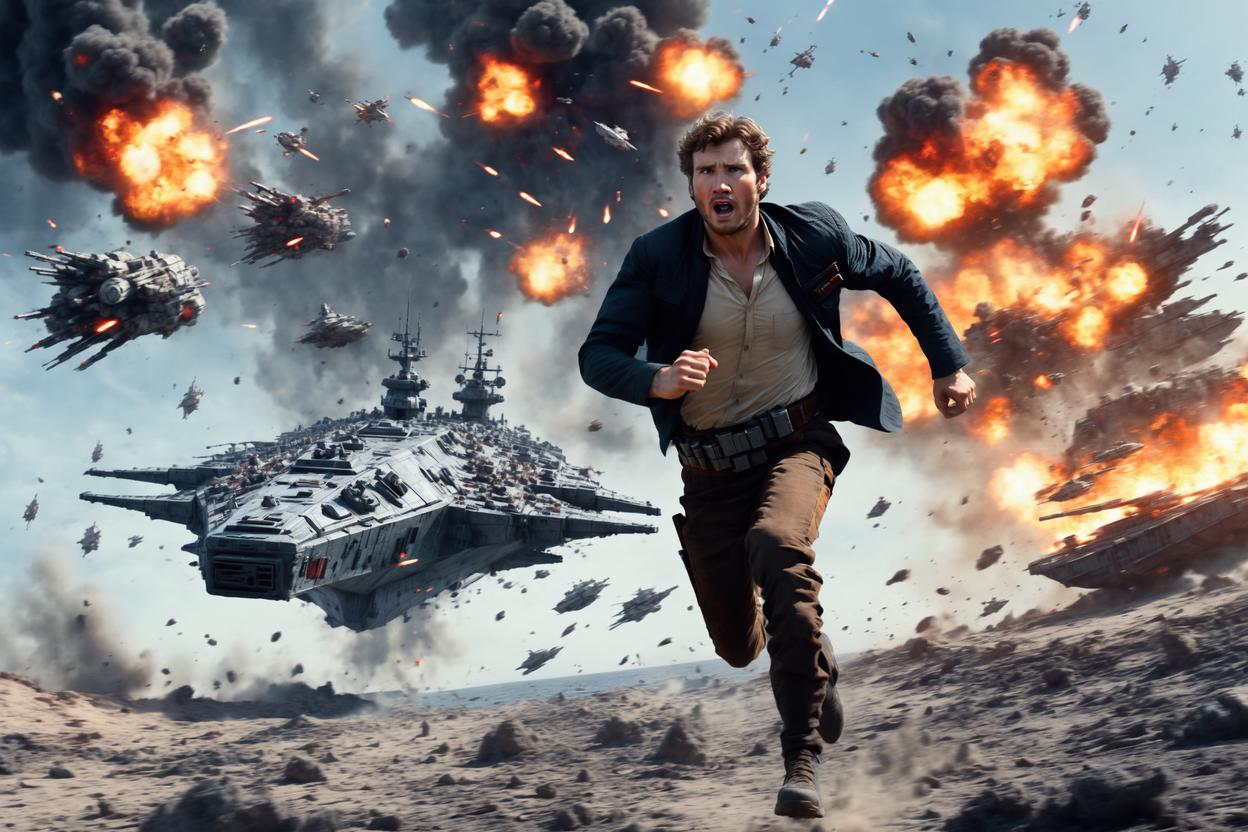
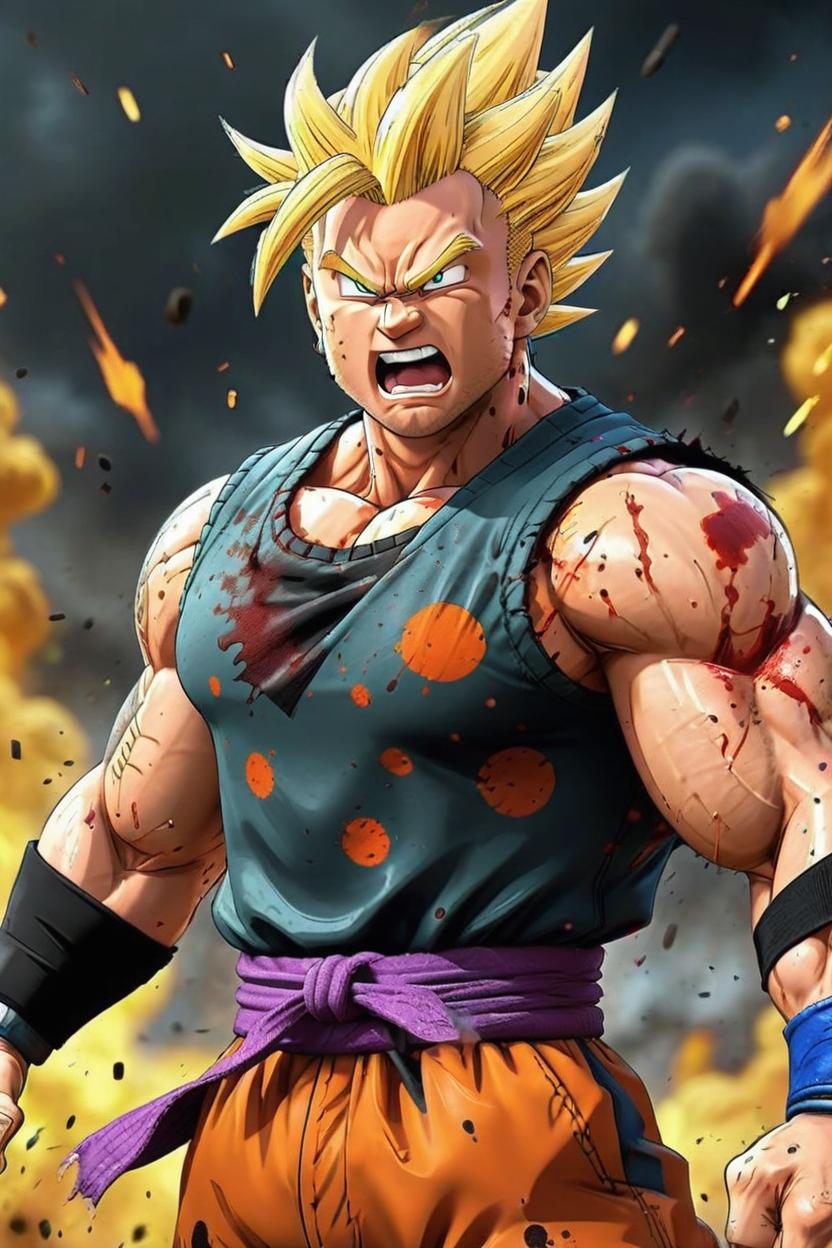
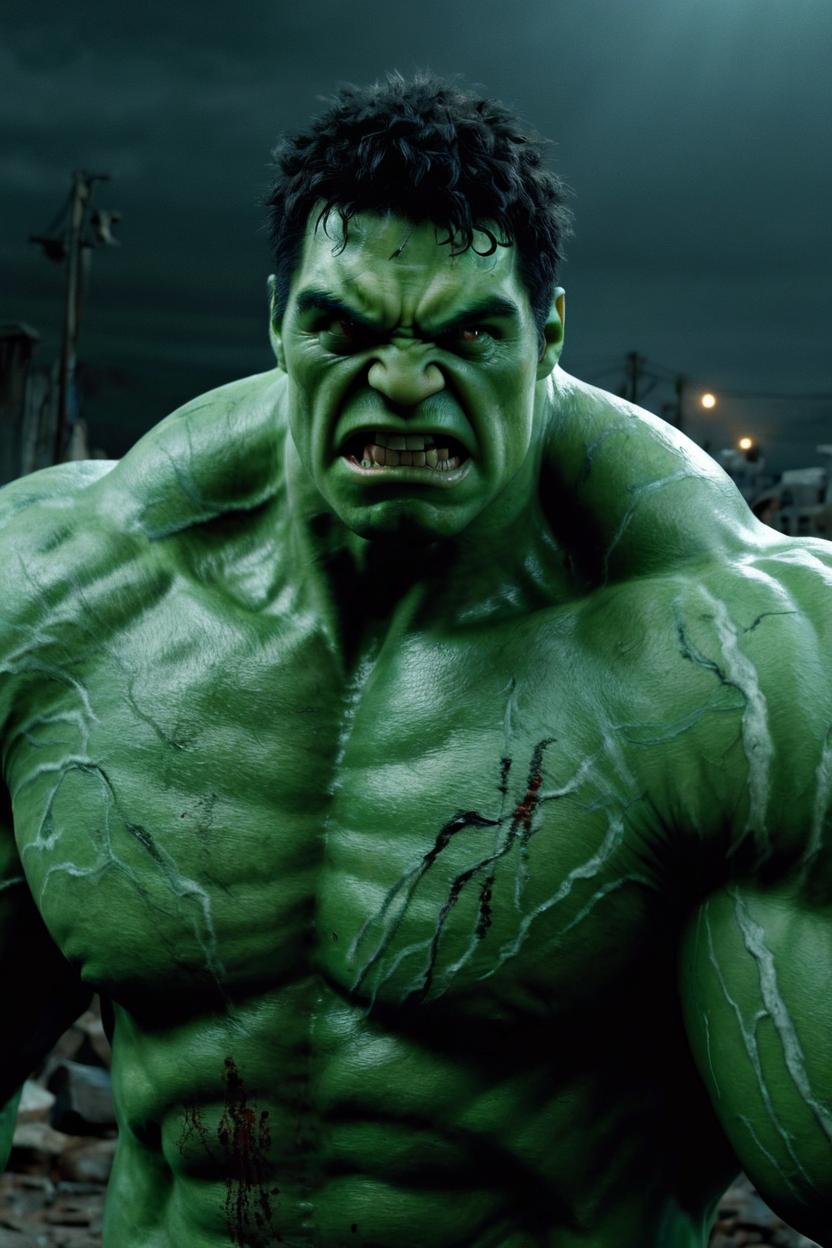
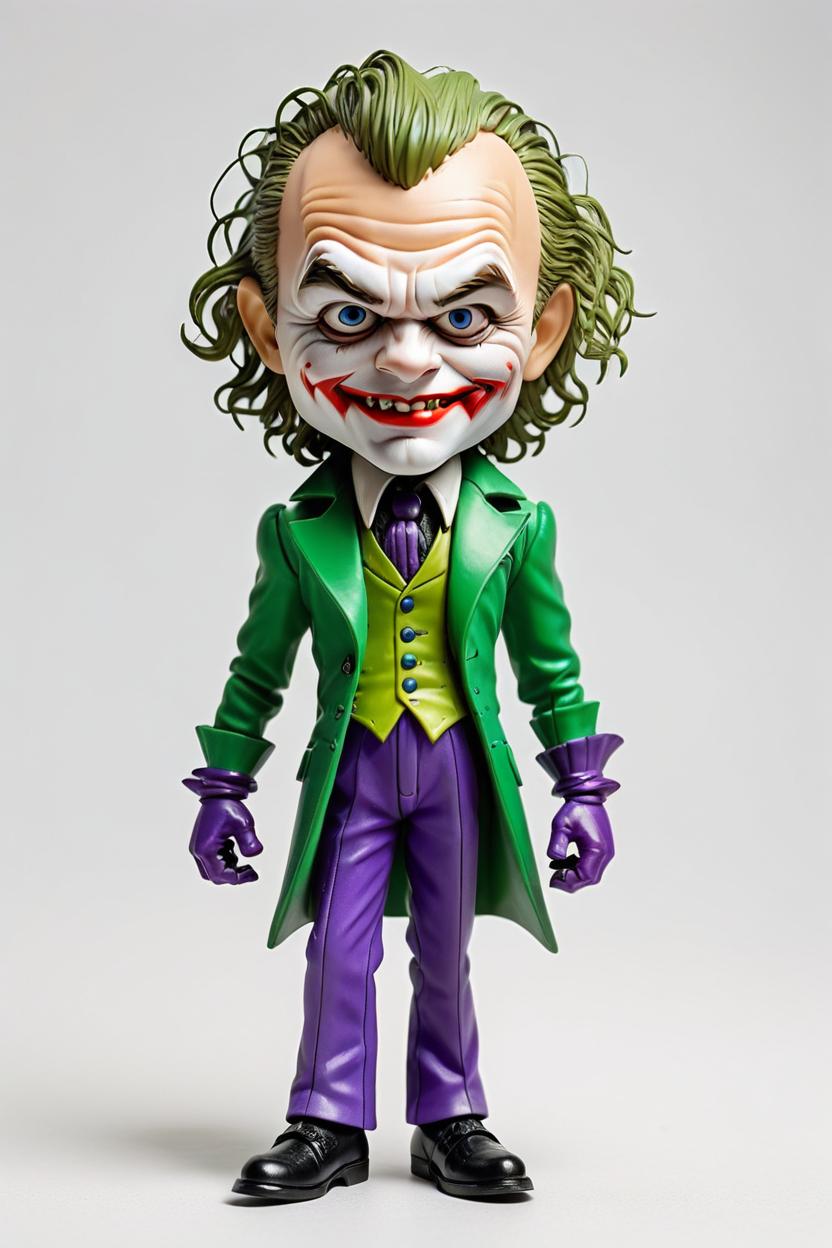
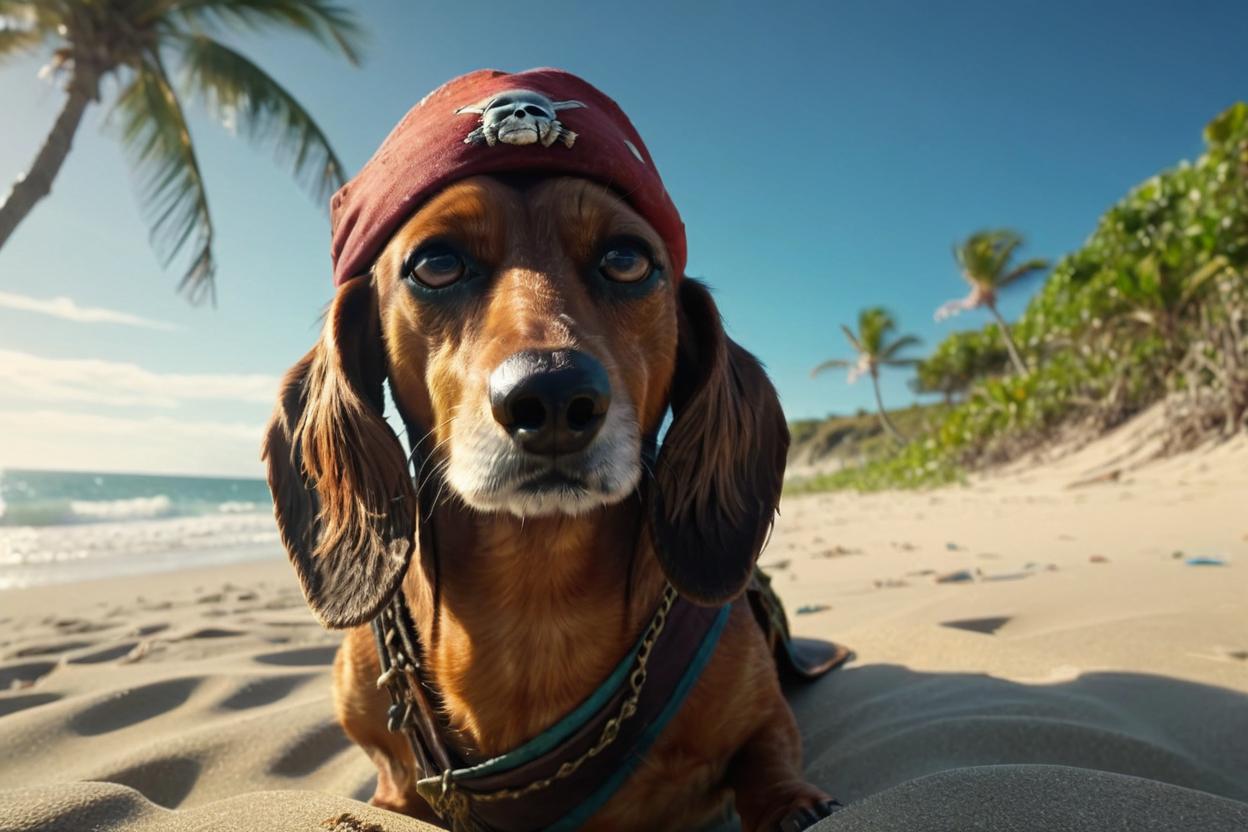
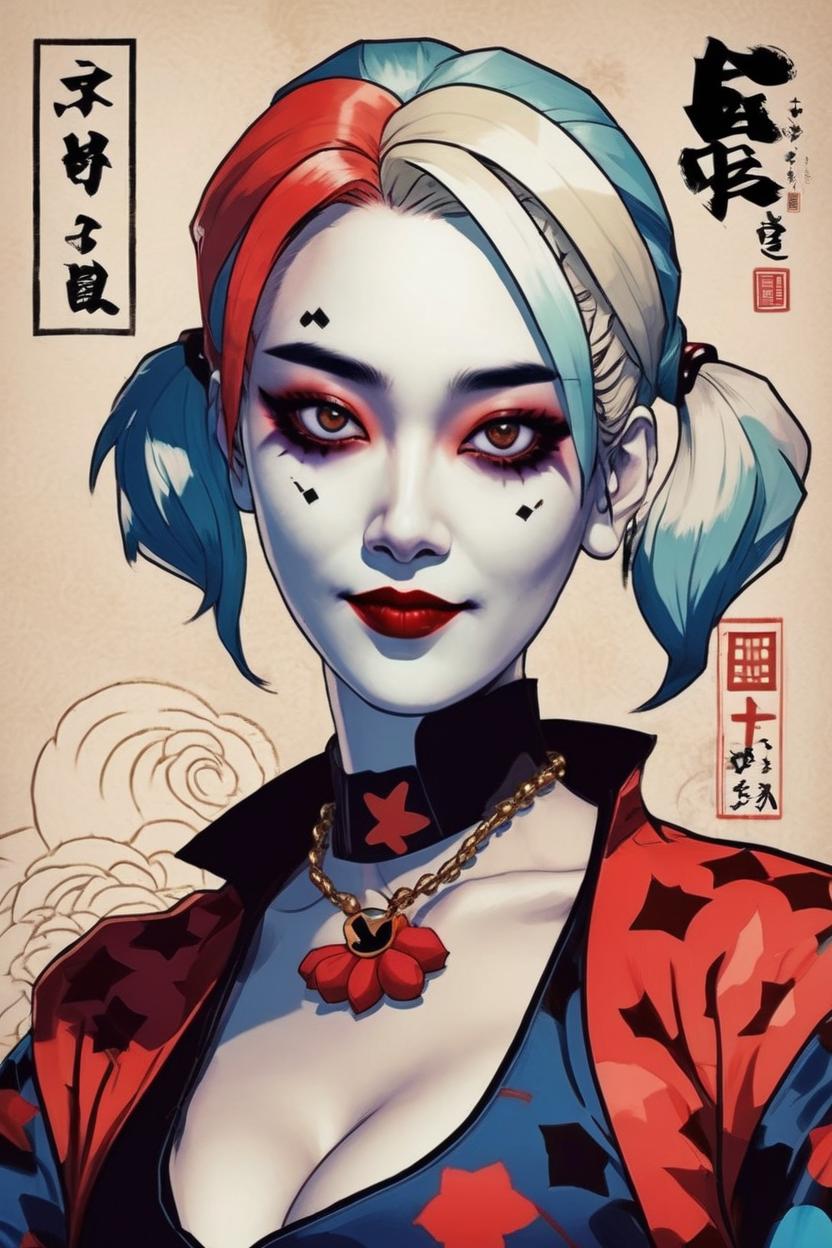
Dreambooth AI Portrætgenerator: Bliv enhver, du forestiller dig
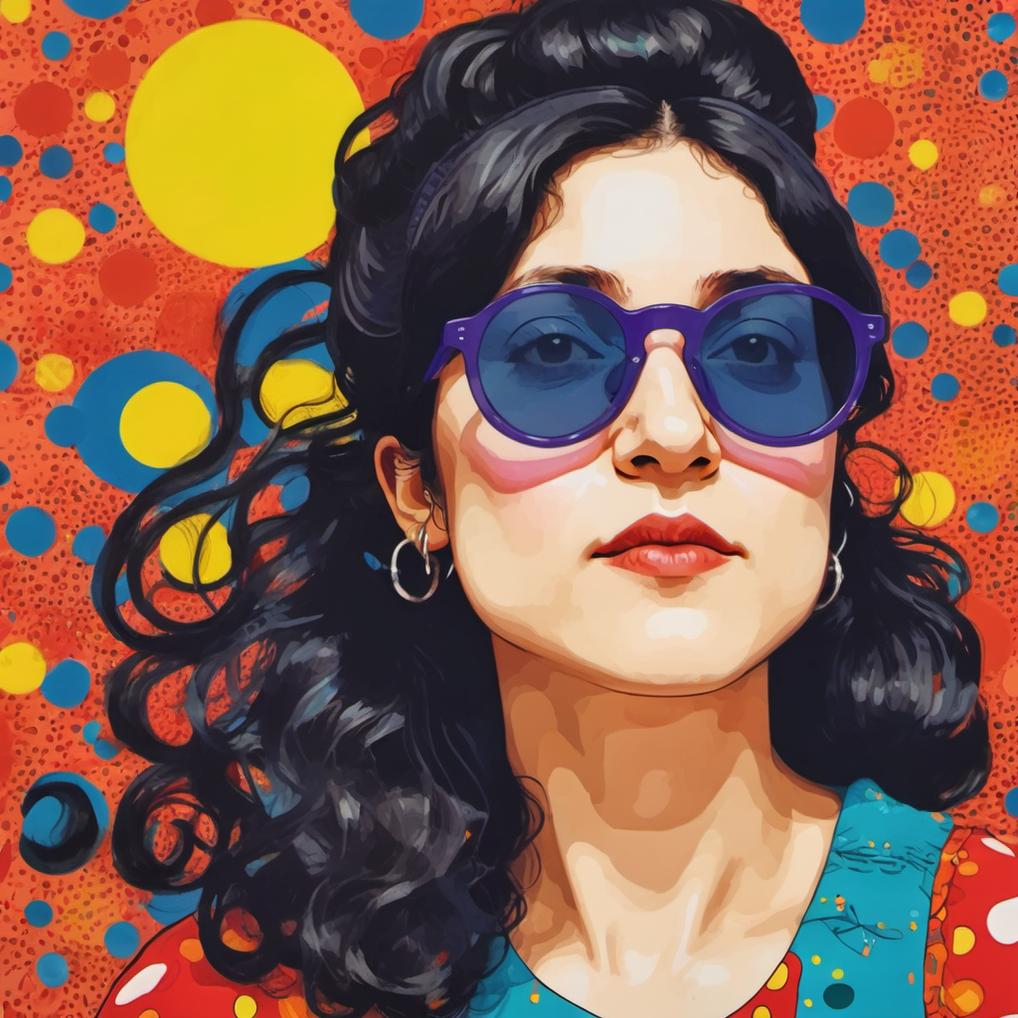
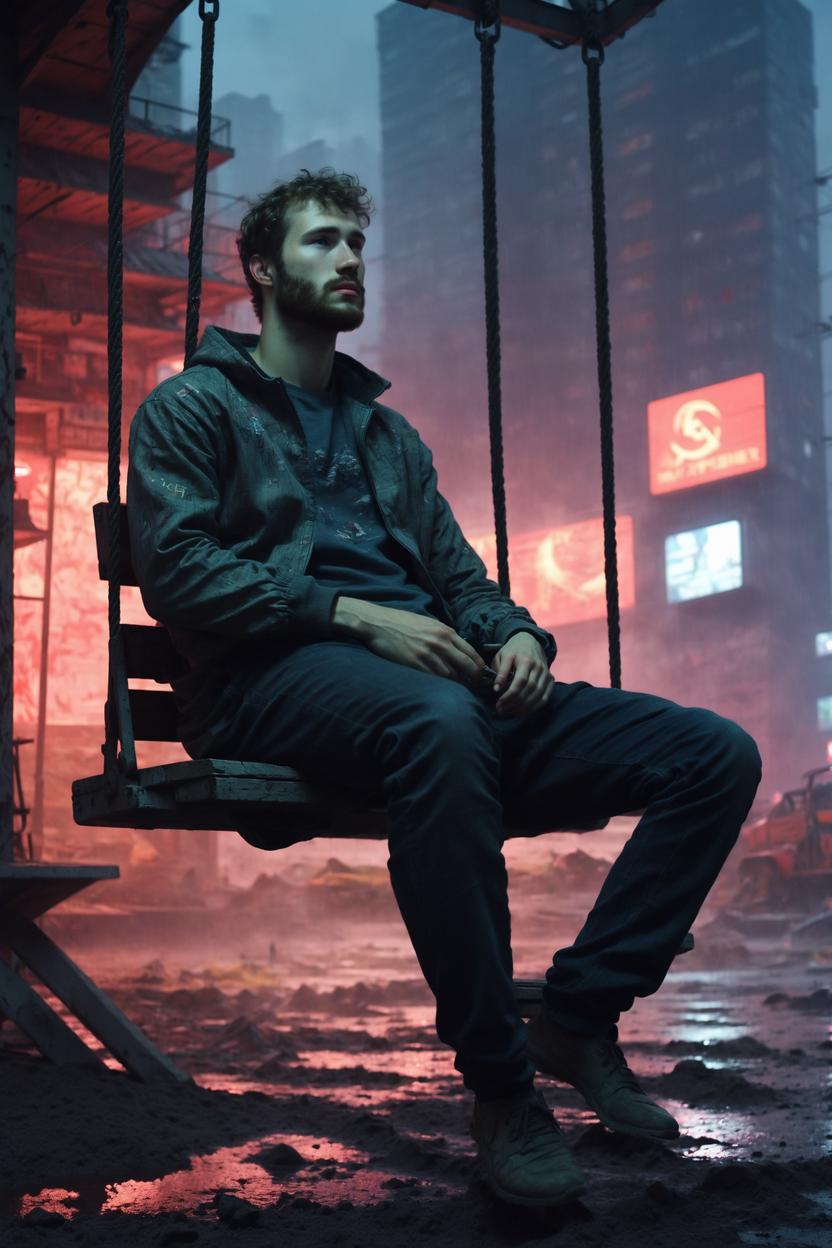
Genopfind dit look – eller hele din persona – ved hjælp af ImagineMe's Dreambooth AI Portrait Generator. Upload klare fotos, og eksperimenter derefter med nye frisurer, outfits, kropstyper, poseringer og filmiske baggrunde. Juster stemning, setting og kunststil med nogle få nøgleord, og se vores Stable Diffusion-pipeline skabe en livagtig version af dig i hvilken som helst verden, du kan forestille dig. Den eneste begrænsning er din kreativitet!
Dreambooth AI Portrætgenerator: Bliv enhver, du forestiller dig
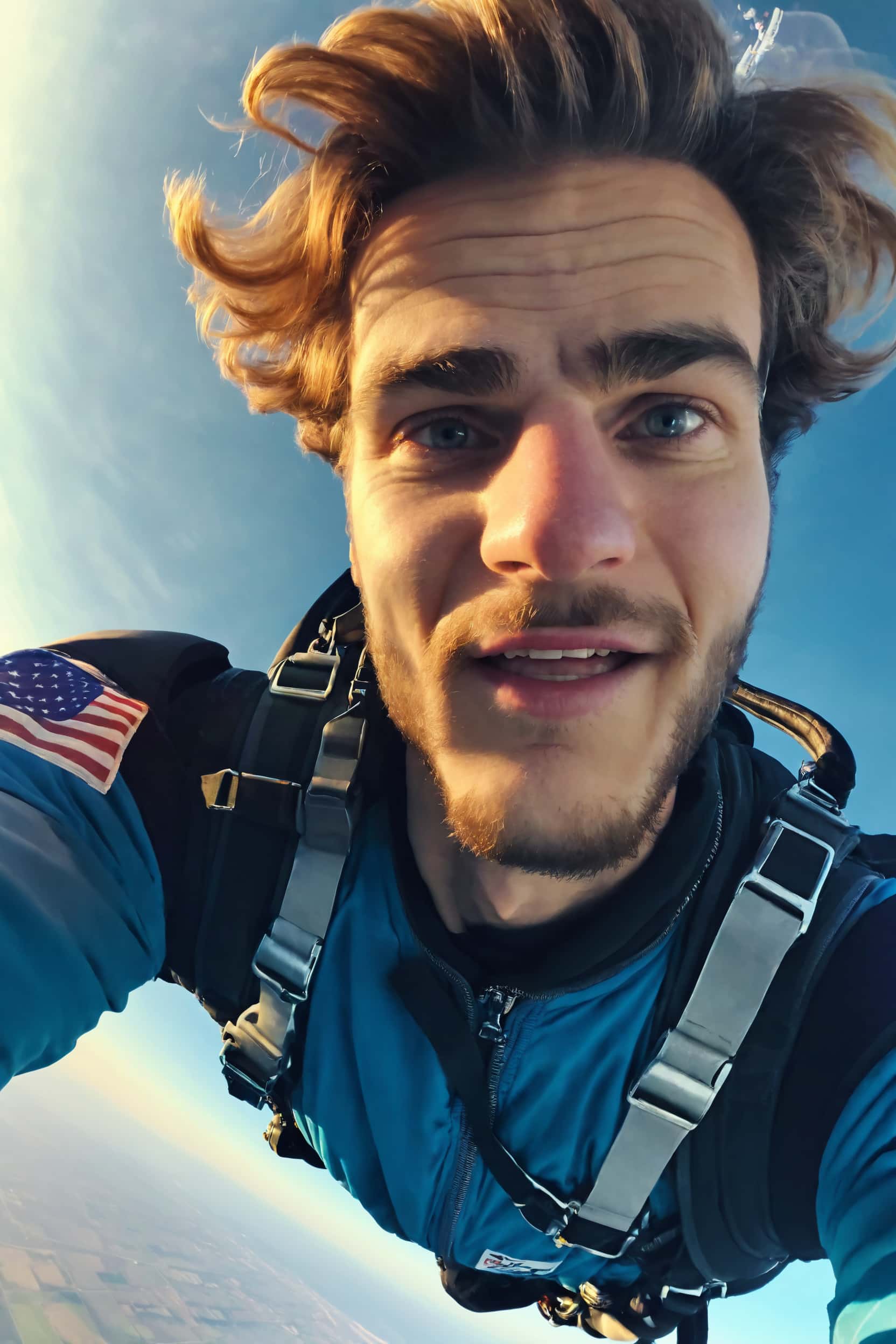

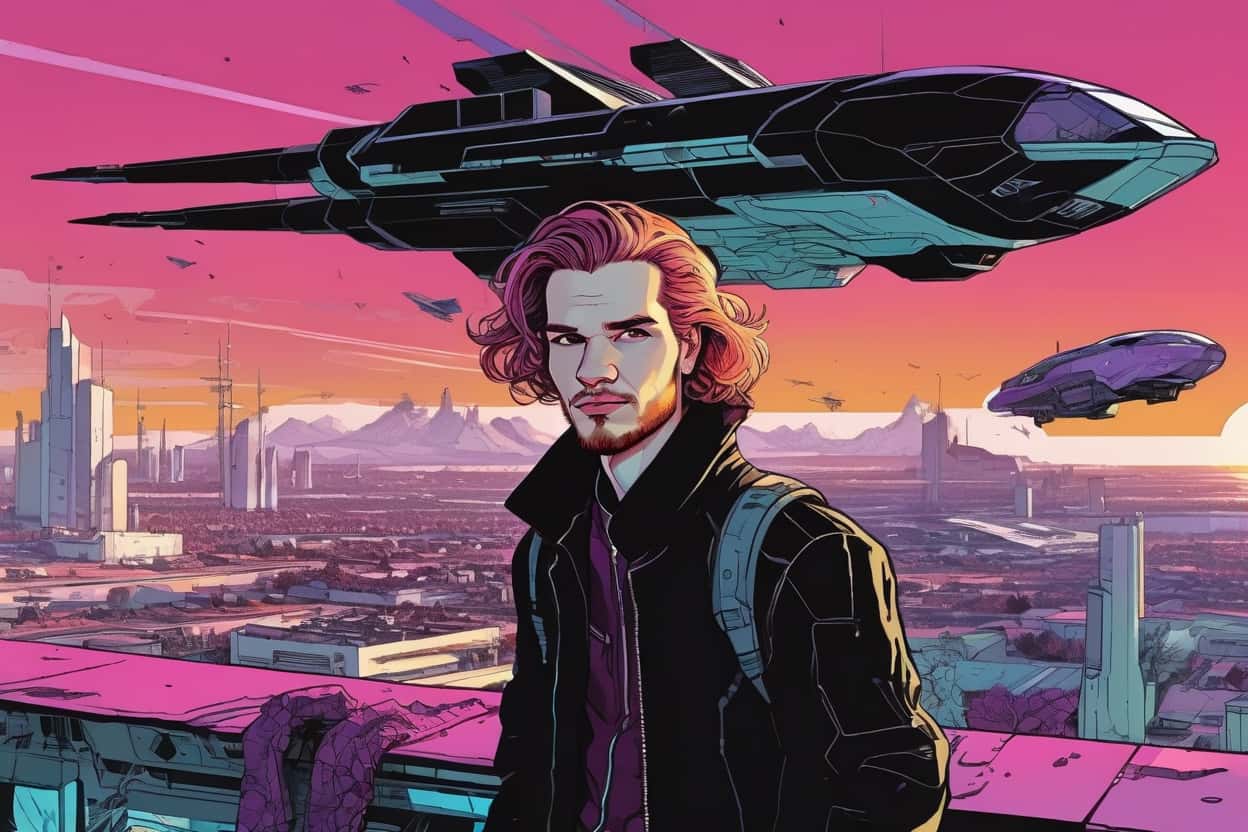
Få din egen Dreambooth-trænede AI-model i 4 enkle trin!
At skabe fantastiske AI-billeder behøver ikke at tage timer af din tid. Gør alle dine kreative idéer levende med blot et par klik med ImagineMe AI.
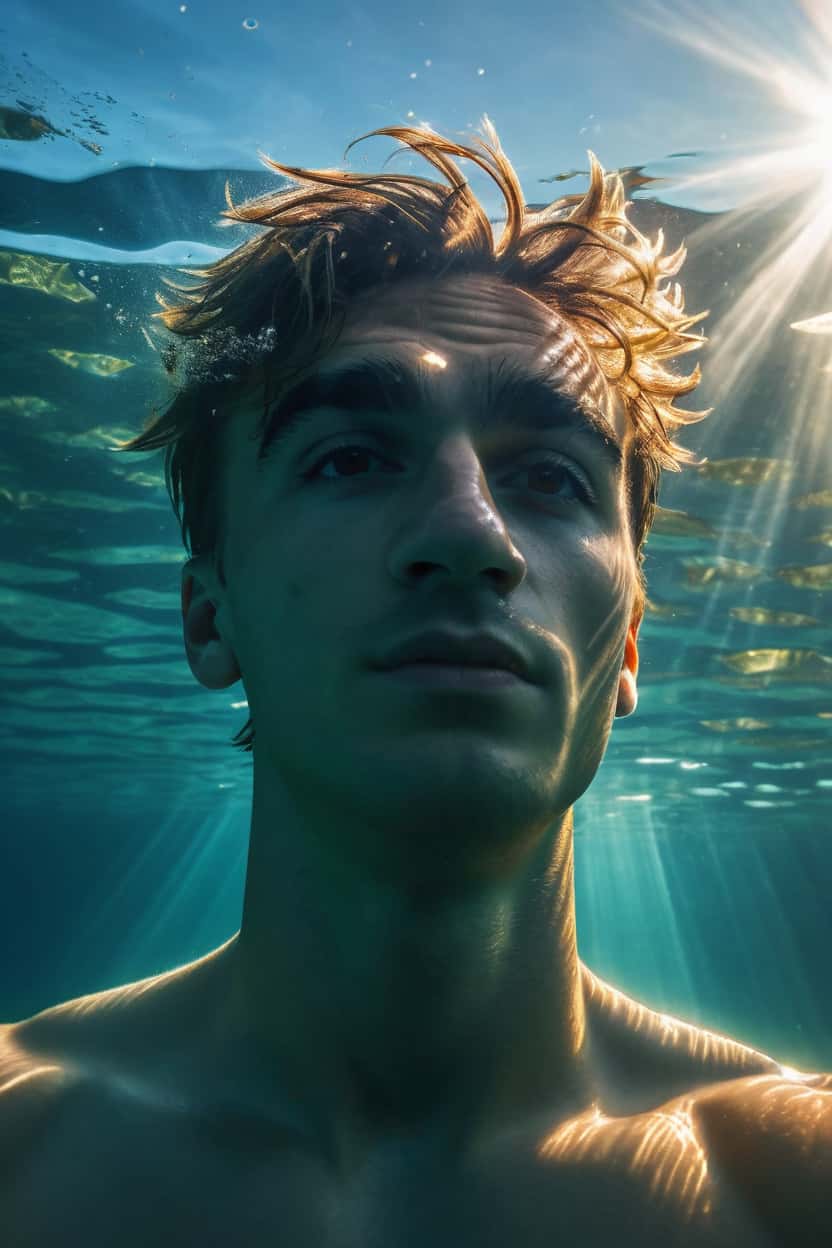
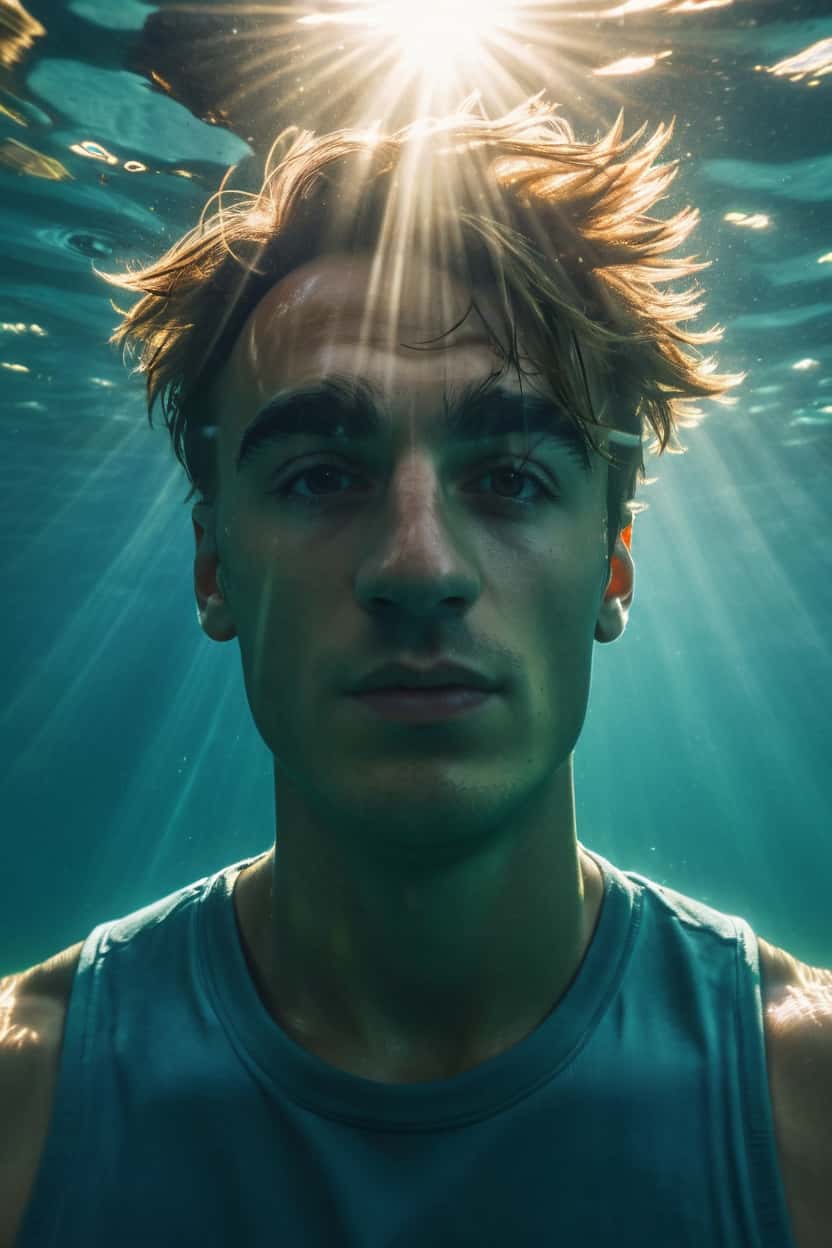
mig, undervandsfoto, medium shot, høj detaljerigdom 8k filmisk belysning, solstråler ovenfra
1. Tilmeld dig ImagineMe-websitet: Køb kreditter i rullemenuen ved at klikke på "Få kreditter."
2. Upload billeder af dig selv: Find 10–20 billeder af dig selv.
3. Lad modellen træne: Vent tålmodigt, mens ImagineMe AI lærer dine ansigtstræk. Dette trin skal du kun gøre én gang!
4. Lav fantastiske portrætter: Nu kan du begynde at skabe billeder ved at udnytte det fulde potentiale af Dreambooth-tilpasset Stable Diffusion.
Ofte stillede spørgsmål
Hvad er DreamBooth?

Dreambooth refererer til en teknik eller metode, der muliggør tilpasning og personalisering af AI-genererede billeder. Dreambooth giver brugerne mulighed for at træne AI-modeller på specifikke emner eller stilarter, hvilket gør det muligt at skabe billeder, der er skræddersyet til individuelle præferencer eller behov. Processen involverer typisk at fodre AI-systemet med et datasæt af billeder, der repræsenterer det ønskede output. For eksempel, hvis du ønsker, at AI'en skal generere billeder af dig selv, bør du give den dine billeder. Derefter vil AI'en lære af disse eksempler og skabe en model med brugerdefinerede attributter. Hver tilpassede model skal navngives, så den kan bruges i tekstprompter.
Hvordan bruger man DreamBooth med ImagineMe?
ImagineMe tager sig af AI-tilpasningsprocessen, så det eneste du skal gøre, er at oprette en konto og levere billeder af god kvalitet af dit ønskede emne for at skabe din AI-model. Vores værktøj er specialiseret i at generere portrætter af mennesker og kæledyr i forskellige kunststile, lige fra realistisk til meget stiliseret. Du kan bruge det til forskellige formål, for eksempel på sociale medier, som gaver eller printe det til brug som boligindretning.
Hvordan bruger man ImagineMe AI Billedgenerator?
For at bruge ImagineMe AI Images Generator skal du tilmelde dig hjemmesiden og købe nogle credits. For kun $5 får du 10 credits, hvor hver kan generere 4 unikke versioner af et billede. Upload derefter 10 til 20 billeder af dig selv på hjemmesiden. Husk at bruge billeder af god kvalitet, der viser dit ansigt fra forskellige vinkler, i forskellige lysforhold og mod forskellige baggrunde. Det vil sikre, at dine AI-billeder ligner dig så meget som muligt. Vent derefter et par timer på, at AI Images Generatoren lærer dit udseende at kende. Når AI'en er færdig, kan du begynde at skabe dine unikke AI-billeder.
Hvilke billeder skal jeg uploade for at få mine AI-billeder?
At uploade et tilstrækkeligt antal billeder vil sikre, at ImagineMe AI producerer de mest realistiske resultater muligt. Normalt er 10–20 billeder nok. Husk at bruge en varieret række af fotos. Upload billeder, der viser dig fra forskellige vinkler, med forskellige ansigtsudtryk og mod forskellige baggrunde. Kvalitetsbilleder vil også hjælpe dig med at opnå realistisk udseende resultater; det er bedst at uploade billeder af dig selv i gode lysforhold. Undgå at bruge billeder, der er slørede, pixelerede eller stærkt komprimerede. Højkvalitets kildefotos vil hjælpe dig med at generere de mest fantastiske AI-billeder.
Hvor meget koster AI Image Generatoren?
For kun $5 kan du købe 10 credits. Hver credit kan generere 4 unikke versioner af et billede.
Vil du holde mine billeder private?
Ja! Vi bruger dine billeder kun til at træne AI'en og gøre det muligt for dig at skabe de bedste billeder muligt. Uploadede fotos vil ikke blive brugt til andre formål end platformens funktionalitet. Hvis du har spørgsmål eller bekymringer om brugen af dine billeder, er du velkommen til at kontakte kundesupport eller sætte dig ind i vores privatlivspolitik.
Spørgsmål ikke fundet?
Hvis du ikke har fundet dit spørgsmål, så kontakt venligst support.